Showing posts with label 3D printing tutorials. Show all posts

Thursday, March 1, 2018

Troubleshooting: Here are some easy ways you can prevent layer shifts

The 3D Printing Problem–
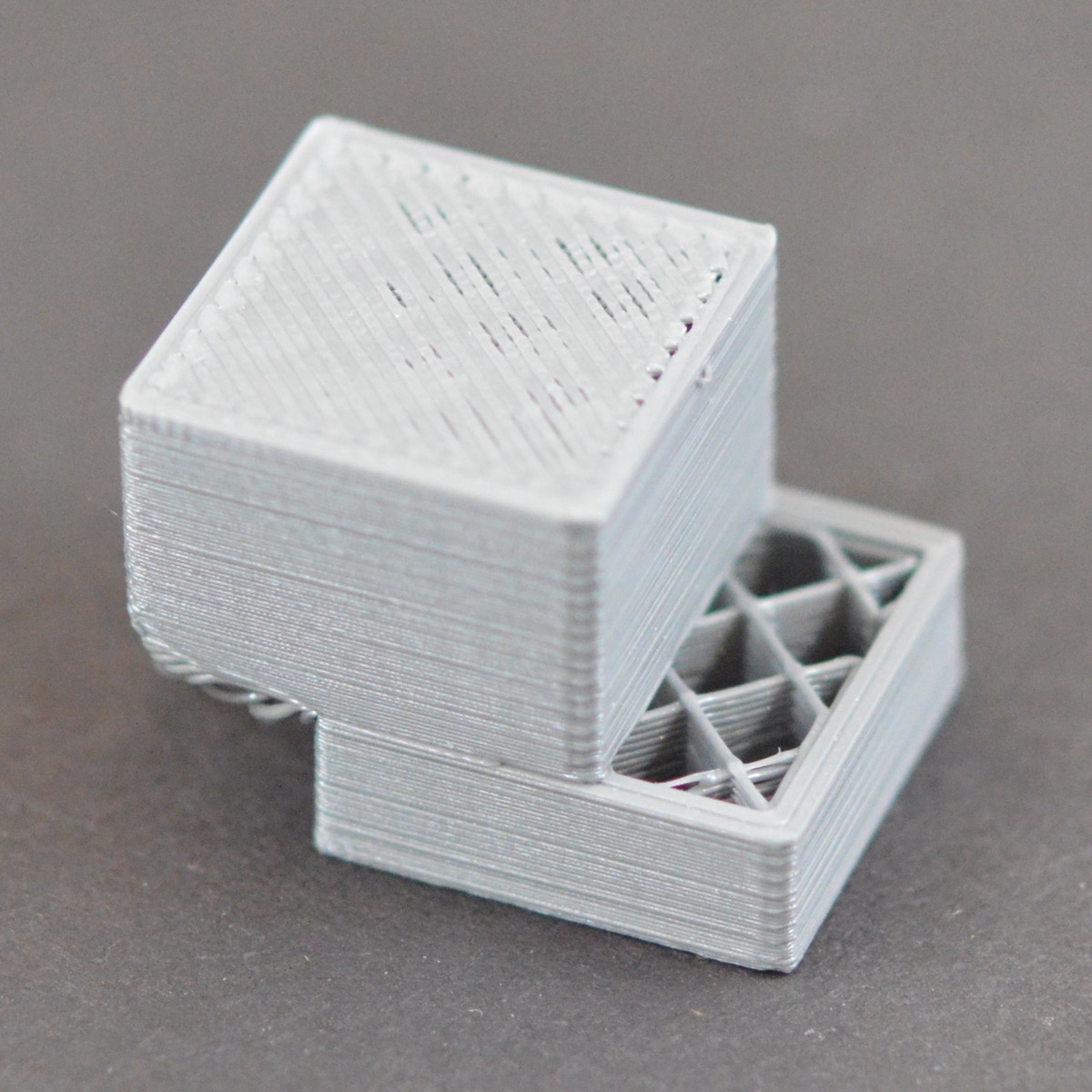
Your print may start out looking fine but as it progresses, you notice a shift in between the layers. It looks similar to a step and this effect is known as a layer shift. It may be subtle or could end up ruining your print entirely!

Why does it happen?

There are many different reasons that contribute to shifting in the layers so its hard to pinpoint it to just one. The most common, however, are the slipping of pulleys and loose grub screws but it could also be something as simple as nudging your printer and causing a disturbance in the print job.

How to fix it?

Fix the Print Bed firmly in place 

Check the print bed to see if there are any clips or screws that have become loose. Since printers have detachable print beds it’s a common problem that occurs but also one that can be fixed easily with the help of pliers.

Similarly, ensure that the printer is on a stable and secure base as well as kept in an area where it is not prone to being knocked or hit. You’ll notice that even a small disturbance to the printer during your print job can cause shifting or other layer issues.

Fix the grub screws
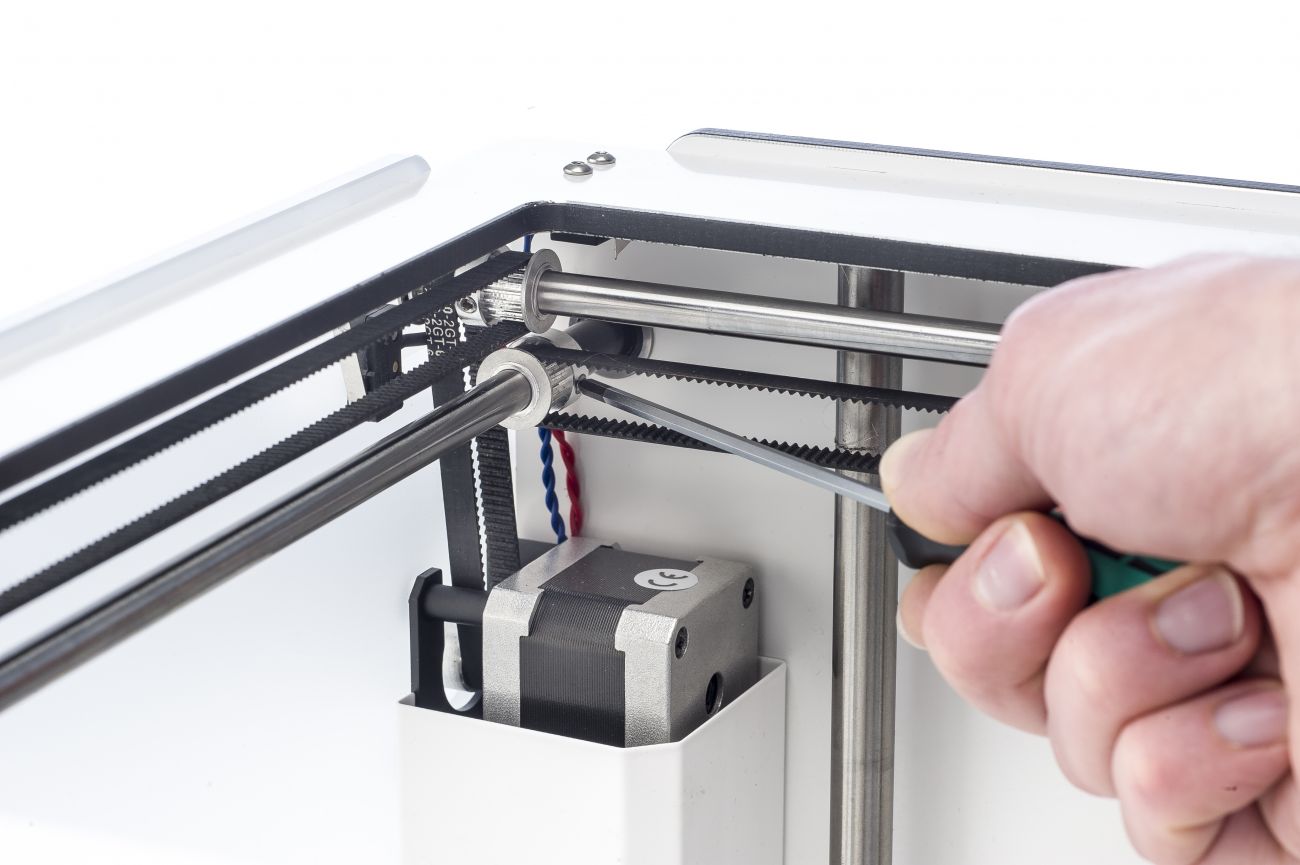
When there are sudden shifts in layers, it’s most probably due to one or more pulleys not secured properly to the axis/axes. You can check this when your layers start to shift and notice the pulleys moving and consequently tighten the respective grub screws. Use a small Allen to tighten them.

Check the belts
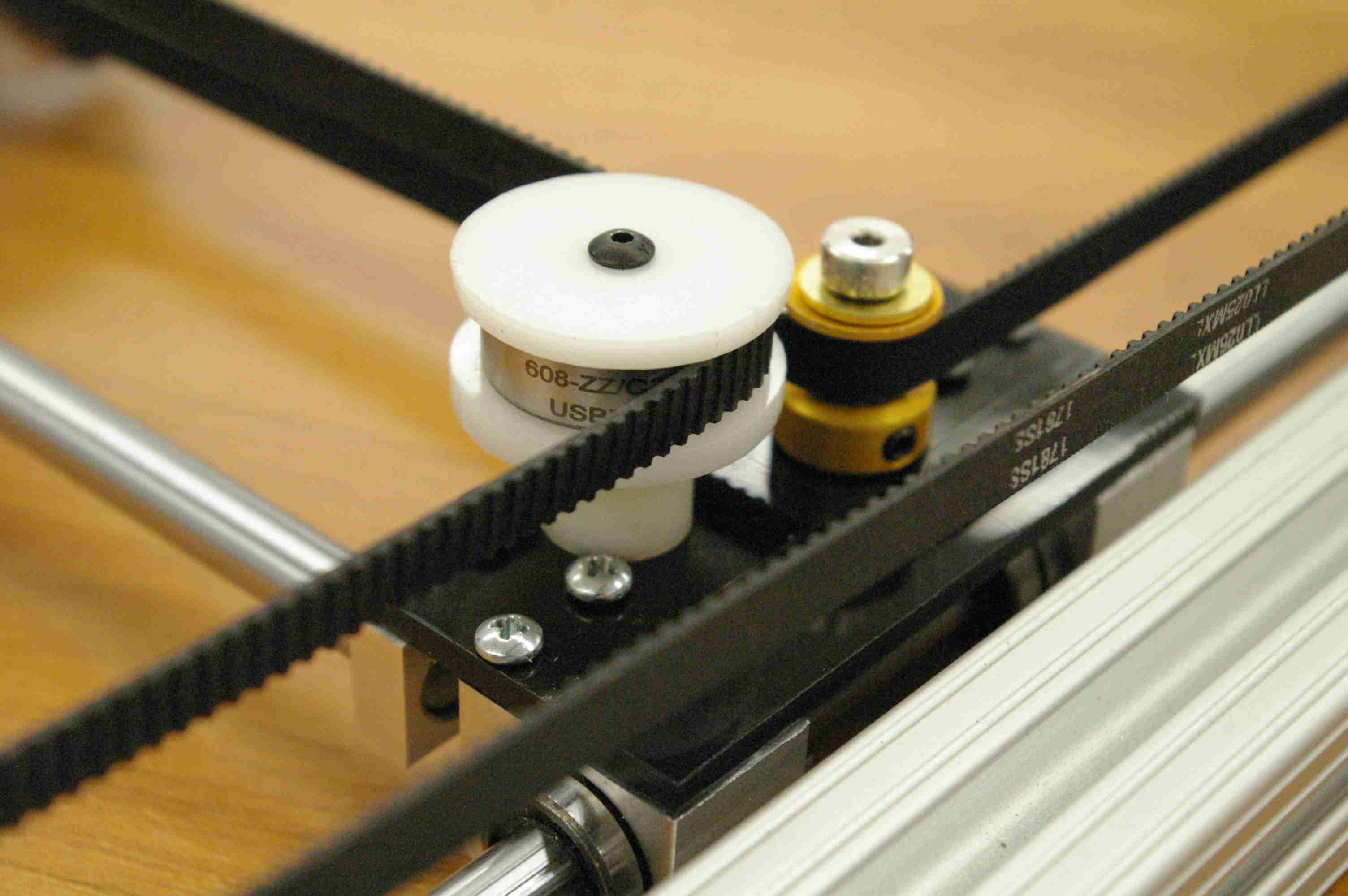
Another important thing to check is the tension of the belts. You can adjust the belt position to ensure the tension is the same between all the belts. However, if the problem persists and if you’ve had your printer for a while then you should probably change the belts.

Fix stiff rods by oiling them
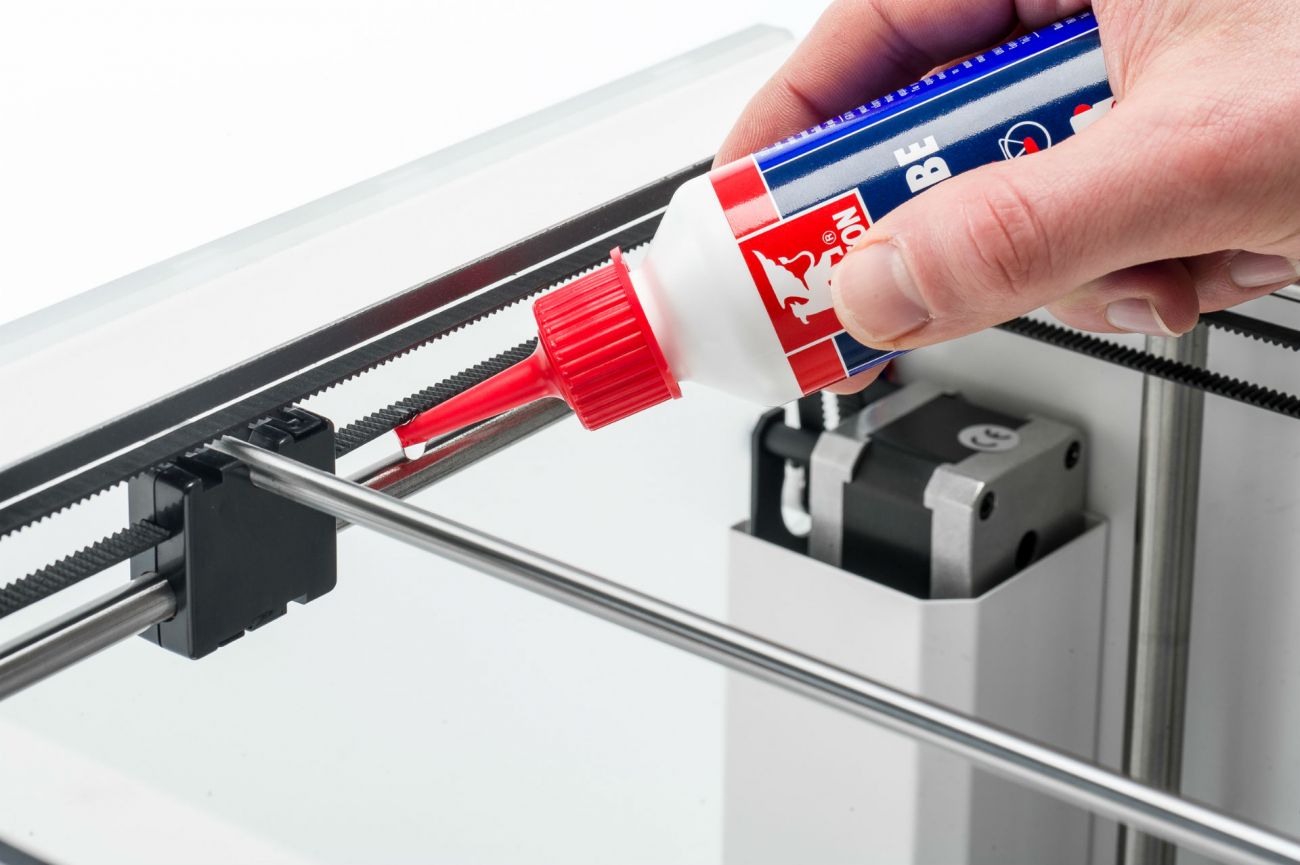
Rods can get stiff and encounter resistance over time which affects the print and causes shifts in the layers. Ideally, the print head should move around easily without resistance. you can perform a simple check to test this.

Turn off the power and check the head by moving it manually in both X and Y direction. If the head moves around stiffly then its time to oil the rods with some light machine oil.

Check the alignment of the rods

Misalignment in rods is another reason that contributes to stiffness. Again perform a check by moving the head to the left/right side and consequently to the front/back of the printer. The distance between the sliding blocks and the pulleys should be equal on both sides. If the axes aren’t square you can fix this by loosening the screws on the two pulleys of one rod, adjust the sliding block and then re-tighten the screws.

Apart from this, check if your rods are bent by removing them and rolling them on a flat surface. You’ll instantly realize if they’re deformed or bent and can replace them.

Check for warped layers
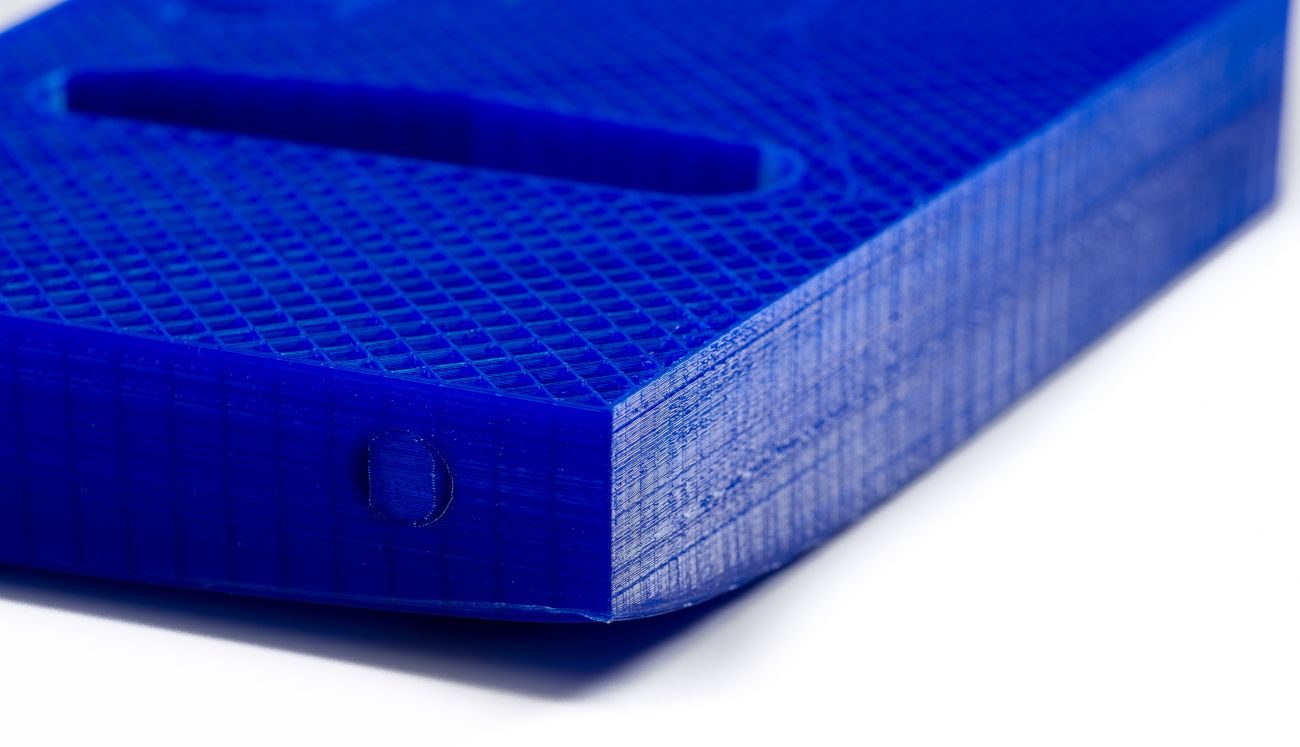
Warping takes place when there is uneven cooling between the layers which results in the edges rising up. If this happens, the print can release from the bed and this makes is much easier for the layers to shift. You can combat warping by adjusting the speed of the cooling fans but if the problem continues, check out our Troubleshooting Guide To Fix Warping.

Decrease the print speed

Many a time, the reason could simply be that your printer is printing too fast. A clicking sound heard during the print job indicates this and you should first check to see if the filament is slipping and if not, then proceed to reduce the print speed by going into your slicer settings.

Credits: rosso3d.com, doubltjumpelectric.com, ultimaker.com, 3dprinting.stackexchange.com

Friday, December 15, 2017

These YouTube channels teach you how to 3D print the coolest stuff!

The internet is full of cool people doing cool things and 3D printing is no exception to this trend! With tutorials and guides soon catching up, it’s no surprise that there are some really talented YouTubers sharing their work and making it a lot of fun too!

Whether you’re looking for 3D printing tips and tutorials, product reviews, DIY projects or just enjoy watching people make stuff(hey, why not) here’s a list of the coolest YouTube channels for 3D printing.

1. Barnacules Nerdgasm

A wacky personality, Barnacles has curated a rather fun 3d printing channel. A mixture of passion projects like a 3D printed stormtrooper outfit and reviews of the latest tech and games, he’s fun to watch thanks to his energy and sense of humor. No wonder he has a growing fan base!

Location: United States

2. XRobots

XRobots is not your average 3d printing channel. If you’re into cosplay sci-fi themes then James Bruton’s YouTube Channel offers you just that. From Star Wars and Iron Man to Alien Vs Predator, you’ll be blown away by the intricacies of his designs and ability to utilize 3D printing to create costumes, cosplay, and robotics. Sponsored by LulzBot, XRobots is ideal for those looking to complete ambitious build projects that require more than just hitting the print button.

Location: United Kingdom

3. Punished Props

Punished Props is run by husband and wife duo Bill and Brittany Doran and is definitely the best place to learn how to create your favorite props from a variety of video games, TV shows, and movies. From modeling to giving them a finish, the Dorans will have you walking around in 3D printed armor in no time.

Location: United States

4. Make Anything

As the name suggests, this channel will show you just how to MAKE ANYTHING. Expand your 3D printing horizons and embrace the creative flow as host Devin Montes shows you how to create and print optical illusions, upgrade 3D printers, integrate virtual reality into 3D printing, and much more. And he makes it look so easy too!

Location: United States

5. I Like To Make Stuff

“I Like To Make Stuff” is a cool channel combining a number of manufacturing techniques to create unbelievable projects.  From Arduino to casting patterns, his range of unique projects includes pudding guns, arcade cabinets, snack machines, and much more. Apart from 3D printing, this channel also touches upon metalworking, woodworking and many more.

Location: United States

6. Maker’s Muse

When the time comes for you to make the critical decision of what 3D printer, 3D scanner, or software is right for you, Angus Deveson’s Maker’s Muse YouTube Channel is here to save the day. Focused on providing unbiased and comprehensive reviews, Maker’s Muse tests out everything from 3D printers to filaments. The additive manufacturing expert also provides insight on how to optimize the 3D printing experience, showing his viewers how to properly prepare the CAD, slicer, printing process and beyond.

Location: Australia

7. RCLifeOn

Although many in the maker community mean serious business, sometimes the best projects are those that bring as much smiles and laughter as they do satisfaction. That’s exactly what you get with RCLifeOn, the 3D printing Youtube channel of Simon Sörensen. His projects range from Rick & Morty props to 3D printed t-shirt designs. There are also a few 3D printer reviews in the mix, creating a perfect balance of fun and educational content.

Location: Sweden

8. Sexy Cyborg

Sexy Cyborg, Naomi Wu is more than just a pretty face. Wu gives unique cultural insight into the life of the female maker from Shenzhen, China, taking viewers through her everyday life as she builds 3D printers, creates unique outfits, and tours maker spaces and 3D printing cafes throughout her hometown. She has over 10,000 subscribers and her channel is different from most 3D printing YouTube Channels. If you’re looking for a 3d printmaker who will simultaneously give you a cultural tour then head to her channel.

Location: China

9. 3D Printing Nerd

Learning all the ropes of 3D printing from someone with an exciting perspective and sense of humor is definitely what you need to be tuning into. With one of the most popular YouTube Channels centered around 3D printing technology, Joel Telling is a self-admitted nerd who loves to create and educate.  Whether you’re looking for fun 3D models suitable for the whole family or in-depth 3D printer reviews, 3D Printing Nerd has all of that and more. His projects are easy to follow and fun to print so take a look at his channel.

Location: United States

Credits- all3dp.com, youtube.com, punishedprops.com