Showing posts with label 3d printing tools. Show all posts

Tuesday, March 13, 2018

3D Laser Printing is different from what you think…

Everyone is getting familiar with 3D Printing and the new technologies that are evolving with its help. Businesses have started using 3D Printing for their product manufacturing or prototype designing thus it is an additive manufacturing method.

3D Printing is such a hot topic in the industry which intrigues almost every industry, right from fashion or food to architecture and more.
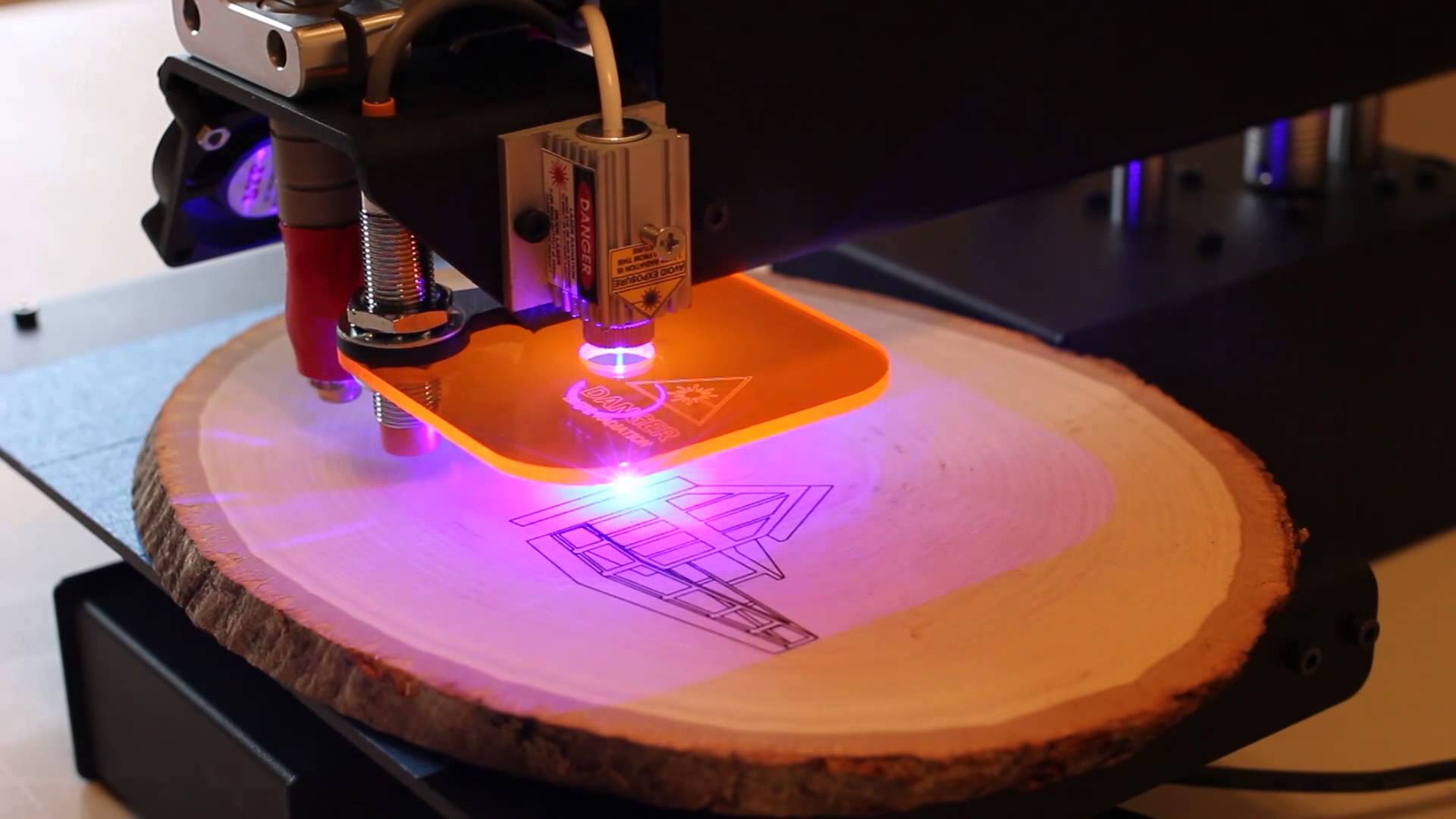
Whereas, Laser 3D Printing is where a laser beam helps to create a prototype or a product in a more precise manner. Thus it’s a whole new level of 3D printing itself. It provides a big help for the manufacturing industries to create exact prototypes.

What is 3D Laser Printing?

It is all about Subtractive manufacturing technology and laser added direct metal tooling, which helps to form complex parts using high power laser and metal powder. Unlike normal 3D Printing, 3D Laser printing uses a beam thinner than a human hair to print a whole new object. The laser beams have the power to cut, shape and engrave 3D Printed parts.
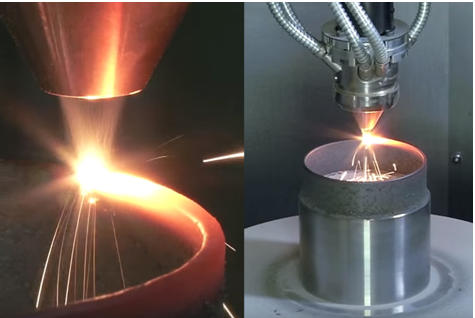
They have common working capabilities like CNC milling. But like CNC milling, the 3D laser printer doesn’t have a milling head. They are all in one printer yet with some limitations. These printers are expensive as they include a 3D printer, a 3D scanner, a laser engraver, and/or a CNC mill.

What is Selective Laser Sintering?

3D Printing being a vast industry, it has many processes which are still not that common or known just like 3D Laser printing, SLS. Selective Laser Sintering is a part os 3D Laser Printing is an additive manufacturing method. It’s a powder bed fusion method where nylon is transferred from the container holding fresh powder material onto the build stage in the process chamber with a recoating tool. A laser then selectively scans the thin layer of powder, sintering together powder particles in the shape of the cross-section of the first layer of the 3D part.

Glowforge is a magical printer- Best Printer

Dan Shipiro a former CEO of Google wanted to make the laser technology more usable. The aim of Glowforge- an all in one laser 3D printer is to create more beautiful things by giving the objects proper shapes and cuts. The company says it can cut wood, fabrics, leather, paper, linoleum, food, and even some plastics and also engrave metal and glass. It aims to help artisans and businesses to create innovative products just using one machine. The initial price of the printer with pre-order with discount is $3995 and thus is a cheap 3D Laser Printer.

Cost cutting is also something that the Glowforge developers are focussing on thus substituting the hardware components with sophisticated software. For a simpler design, there are no buttons on the Glowforge interface.Also, a camera inside the laser cutting chamber and image processing in the cloud will take the place of a motion planner which usually determines how the laser cuts the material.
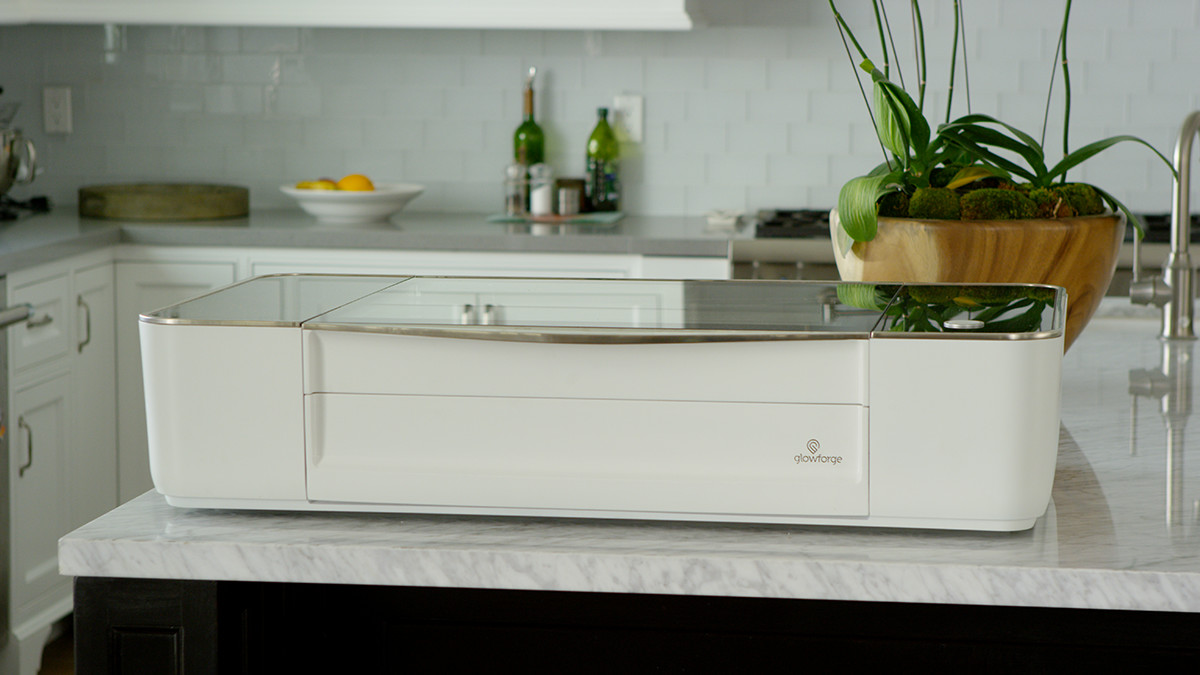
There was a Glowforge Kickstarter project funded for a  month in 2015 which was very successful and lead to many people taking interest in a laser printer.

Conclusion:

3D laser printing is also becoming popular just like normal 3D Printing and is used for personal as well as industrial use. Many 3D printer manufacturers are creating Laser printers as they perform well and are all in one. Post-processing becomes easy with the Laser printers thus reducing your work.’

3D Laser Printing is a new wave in this Ocean of 3D Printing!!

Credits- all3dp.com,sharehack.com,youtube.com

Friday, February 23, 2018

Best 3D Rendering Software you need to have…

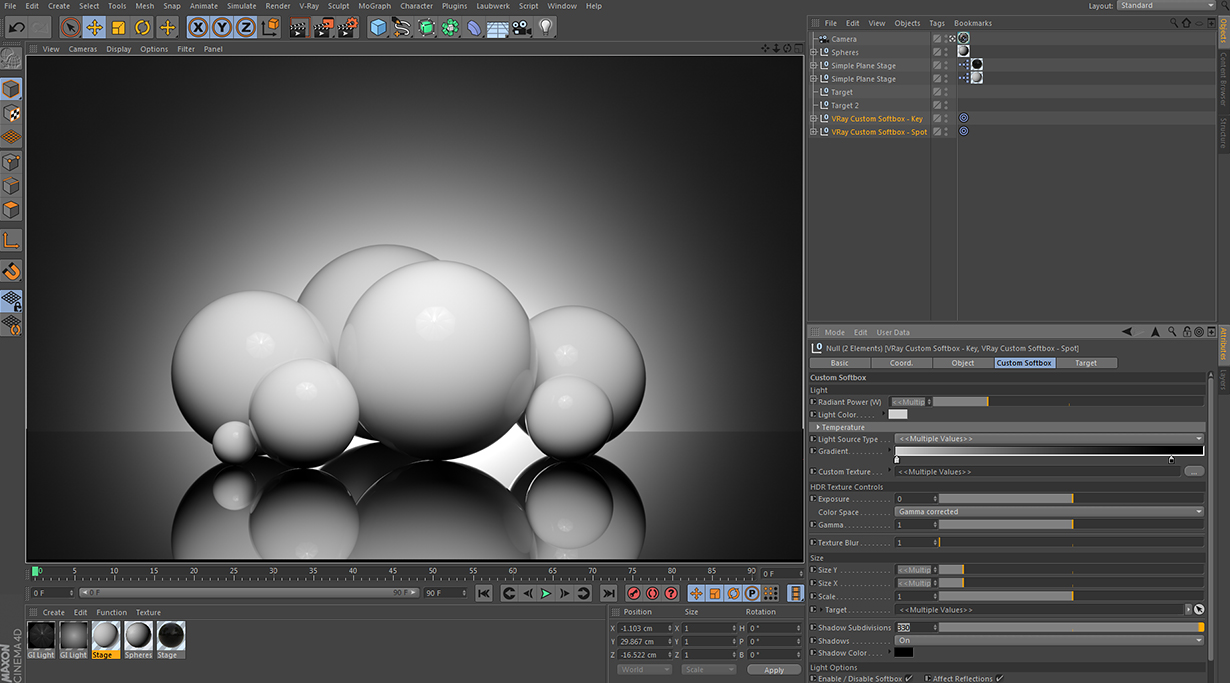
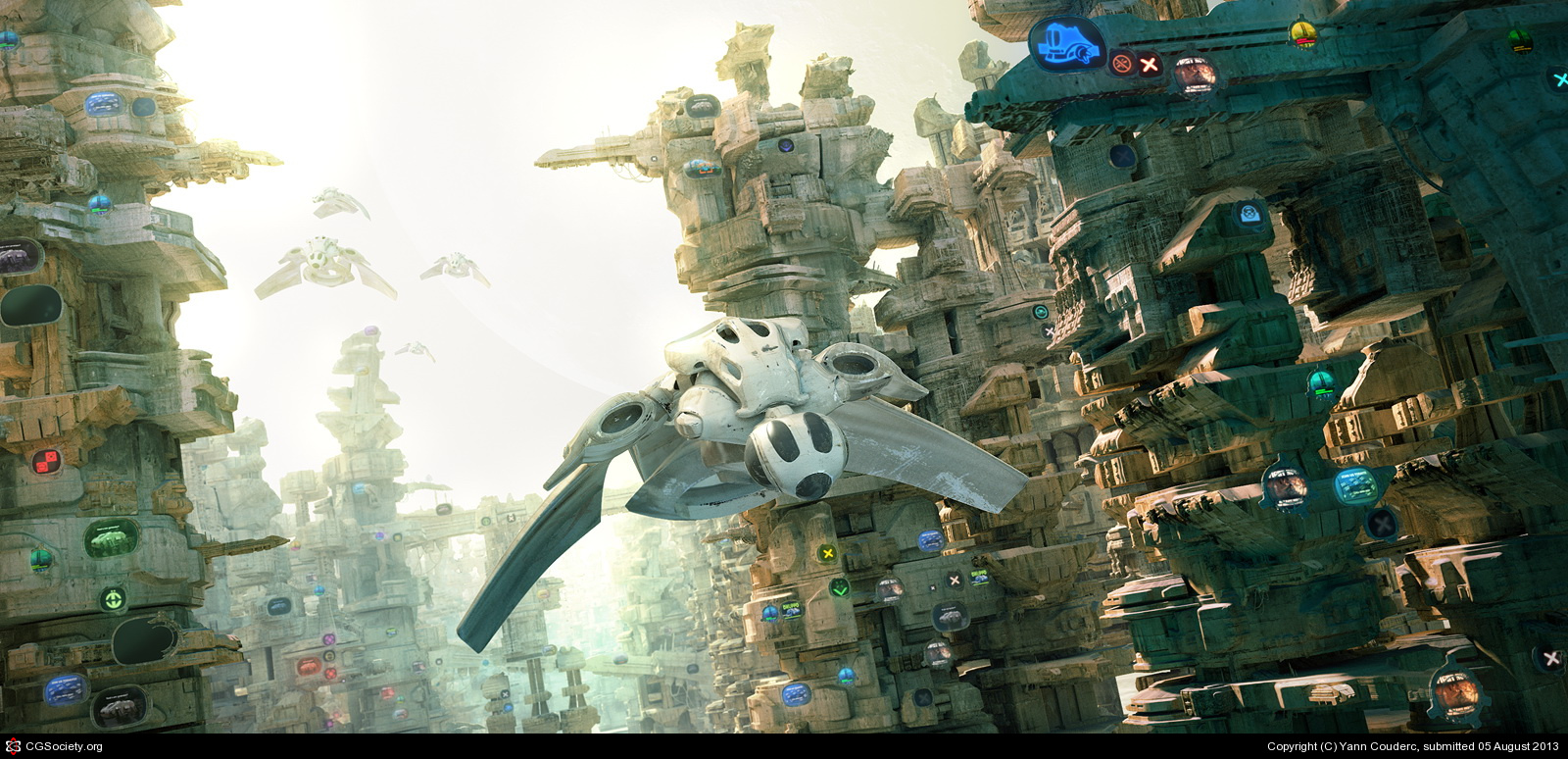
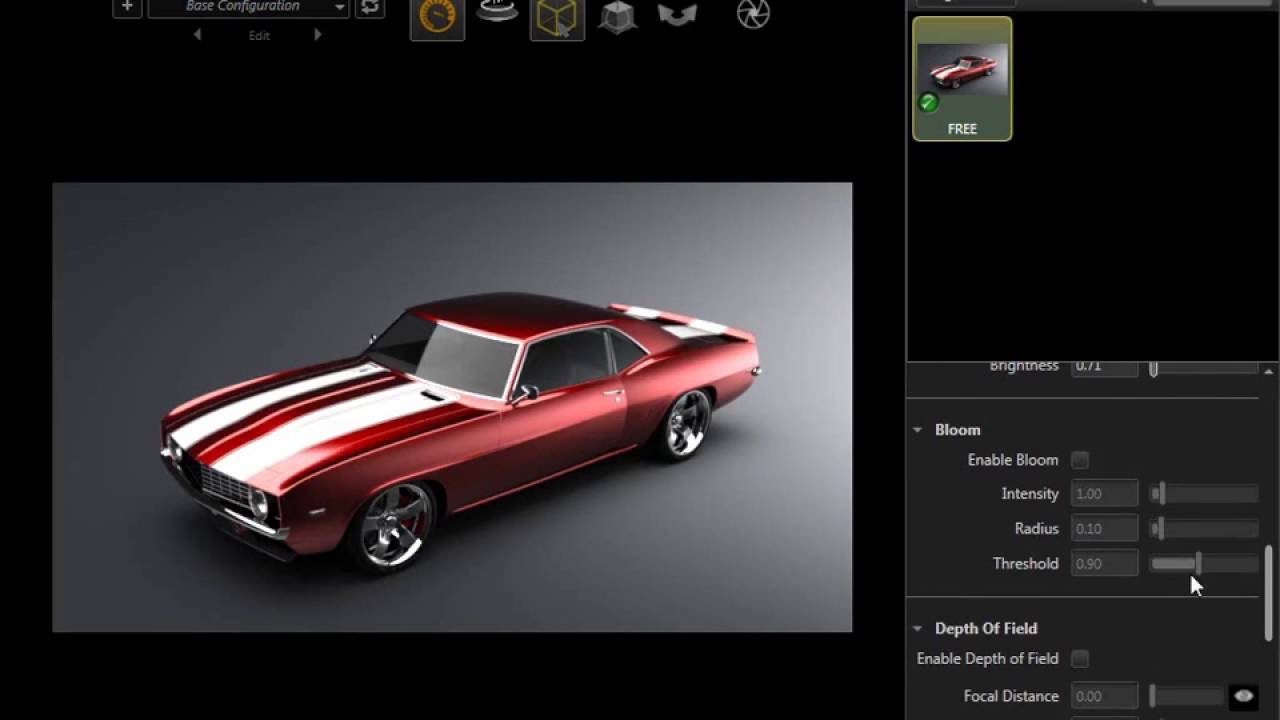
Rendering involves giving life to your 3D designs by adding the simulation of shadows, realistic lighting,  atmosphere, texture, color and optical effects such as the refraction of light or motion-blur scene on moving objects – or the rendering might not be realistic at all, and could be designed to appear as a painting or abstract image.

Rasterization and Raytracing are the methods of rendering which makes it more important. Raterization is for real-time graphics such as computer games and raytracing is a higher degree of quality than rasterization. This technology attempts to recreate the physical process.

Unbiased and Biased Rendering:

The common terms you get hit by when you are using rendering software are unbiased and biased rendering.

Unbiased 3D rendering programming endeavor to compute physically exact images. That implies they follow back the way of a light beam in a numerically correct way, without making any easy routes. This technique can bring about longer render times. Hence, fair rendering is seldom utilized for energized films. Rather, it is found in graphic designing and architectural visualization, since render time doesn’t have that much effect on the venture’s calendar.

Biased 3D rendering programming, thusly, is produced for productivity. While calculating the ways of light beams, they deliberately cheat to chop down the render time. In particular, this implies they insert between outlines or apply the blur. It takes some skill to finetune a biased renderer to deliver a persuading result. Be that as it may, on expansive scale movement or embellishments ventures, it is worth to go the additional mile as far as cash and time are saved.

The basic software that you can use for 3D Rendering are:

V-Ray

Since it has best quality and speed, it is known in the market as one of the best software for rendering, V-Ray is a one-sided raytracer that can outfit both a CPU and a GPU (RT) utilizes brute force and path tracing calculations. You can think that it’s coordinated into a vast cluster of 3D displaying suites. It is accessible enough that beginners or enthusiasts can try it and also has an advanced version for the professionals to make their designs of amazing quality.

Price: $750

Hardware: CPU/GPU

OS: Windows, macOS, Linux

Clarisse

A 3D rendering engine and has many credits for itself, like the new Star Wars movie.You can learn Clarisse for free with the Personal Learning Edition. The renders made with the PLE are limited to 2560×1440 resolution and may not be used for commercial purposes.

The rendering capacities of Clarisse are exceptionally cutting-edge. For example, it encourages the coordination of rendered pictures and arrangements from another 3D rendering programming with profound picture yield. To separate it, Clarisse yields outputs depth data for each pixel.

Price:Free / $999-$2,899

Hardware : CPU/GPU

OS: Windows, macOS, Linux

Solidworks Visualize

Rendering just doesn’t give stunning visual effects but also tries to bridge the gap of an emotional response from prospective customers and stakeholders of engineering projects.Subsequently, it underpins Solidworks’ own particular configurations, as well as CAD information from Autodesk Alias, Rhino, SketchUp, and numerous others. It is an unbiased 3D rendering software which offers an instant progress preview.

When you need to composite complex effects it can output multiple render passes which comes in handy.The intuitive interface of Solidworks Visualize enables even non-specialists to create photorealistic renders that can be used in marketing campaigns. Also, it provides tools that facilitate the animation and scene-setup of mechanical parts.

Price: $1830

Hardware: CPU/GPU

OS: Windows

RenderMan

In the event that you have seen any Pixar motion picture, at that point you have just seen the energy of its homegrown 3D rendering programming, RenderMan. Pixar broadly spearheaded numerous systems that are these days industry rehearse. For instance, RenderMan was the first to incorporate multi-bounce beam traced global illumination.

One of the later augmentations to this 3D rendering programming is an estimator for forefront quality way followed subsurface diffusing. Its intuitive controls for the diverse layers make it simple to rapidly accomplish a reasonable and engaging look. Additionally, moving volumes can be rendered in unparalleled quality on account of twisting volume obscure.

Hair and hide are a critical benchmark for the nature of any renderer. In RenderMan, they can be taken care of productively with its propelled hair shading calculation. Be that as it may, this immense list of capabilities can be awkward for single craftsmen. It takes a group to tame this mammoth!

Price: $495

Hardware: CPU

OS: Windows. macOS, Linux

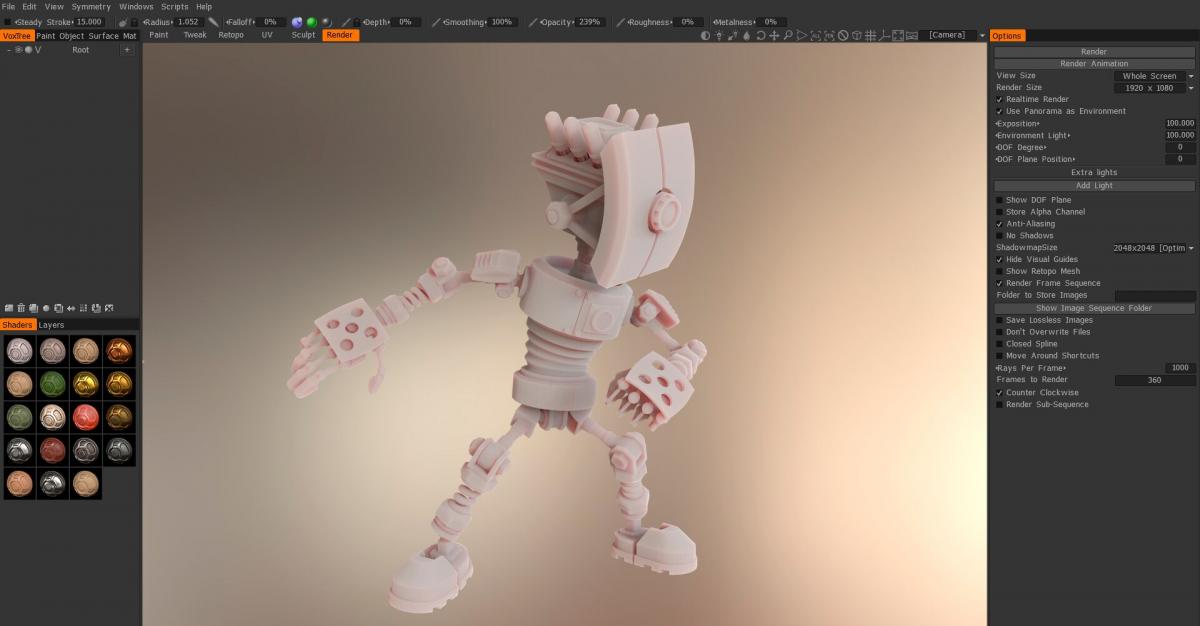
This software will help you out in making your 3D Prints more better and visually appealing. There are many other rendering software that we have not mentioned here which are pretty easy to use and give better results.

Thus rendering your designs is important while 3D Printing.

Credits: youtube.com,all3dp, cgmeetup.net,3stools.info,3dcoat.com

Saturday, February 10, 2018

Make your dream come true by living in one of these 3D Printed Houses.

3D Printing is really fascinating sometimes, it gives you possibilities where you see a little hope, by making its way into almost every field. You can see 3D Printing in manufacturing, medical, fashion etc.

Yes! it’s possible to create almost anything via 3D printing may it be 3D printed cars, 3d printed machines, 3d printed accessories,3D printed shoes etc.  3D Printed houses are getting much popular as a machine printing a whole house without any manpower is quite mesmerizing, you just need to have the design ready, a proper filament and a worthy 3D Printer.

Apis Cor

This 3D printed house is going viral on the internet the reason being it was printed in less than 24 hours. A house made in less than a day is hard to imagine but 3D Printing has made this possible.A Russian company, Apis Cotr has made this happen with a mobile printer and a mobile 3D printer and automatic mix and supply unit, developed specifically by Apis Cor.The total construction cost of the house $10,134.

The important components of the house including walls, partitions, and building envelope were created with a concrete mixture.

The remaining fixtures like furnishing and windows were later added on, and a shiny coat of paint was added to the exterior of the house.

PassivDom

Ideal for the off-grid living, Ukrainian company is making this house as a stand-alone and energy efficient concept.

The basic motto behind this house is it can be built without external structures like water tanks, plumbing and can exist autonomously and sustainably with zero carbon emission. This house is pre-constructed in a factory and then can be deployed so quickly that anyone can move places within a day of buying the house.

A number of features make the PassivDom sustainable like the walls are 3D printed, the windows are made with an insular material for air and heat management and it runs totally on solar energy. As the need for compact and more compact houses is growing so is the demand for PassivDom kind of houses. They have off-grid optional connections for important elements like water and energy. The housing units are being sold for between €29,900 and €64,900.

Earthquake-Proof Modular Homes

Image of 3D Printed House/Structure: Earthquake-Proof Modular Homes

A 500 square meter villa by the Chinese architect group  Zhuoda Group , constructed in the factory and then ship it to the construction site.It could be built completely in 15 days. The company guarantees the house to withstand a level 9 Richter scale and can survive to 150 years.

“Infinite” Landscape House

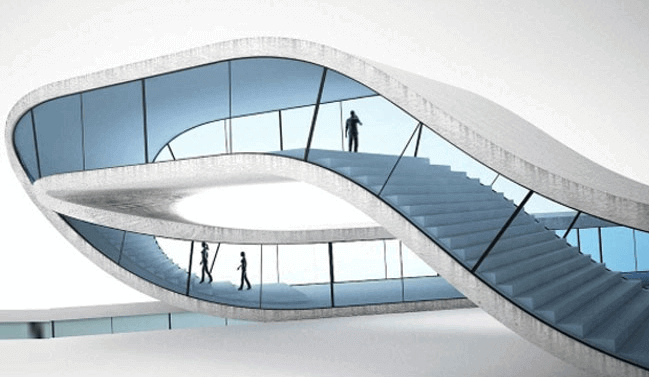
Have you heard about Mobius strip Infinite loop? If not, then you can see this house which is exactly constructed in the same manner as the Mobius strip by a Dutch architect Janjaap Ruijssenaars. He has created a huge D-shaped printer in order to build what he has named the “Landscape House”.

It has a 1000 square meter of space and it can be used for exhibitions.This innovative printer is created by Enrico Dini and can print up to almost a six-meter-by-six-meter square. The way it works is like a normal 3D printer, as it builds up fine layers just 5-10mm thick with the help of a computer. It creates an illusion that you can walk through the house until the end of time.

Upstate New York House

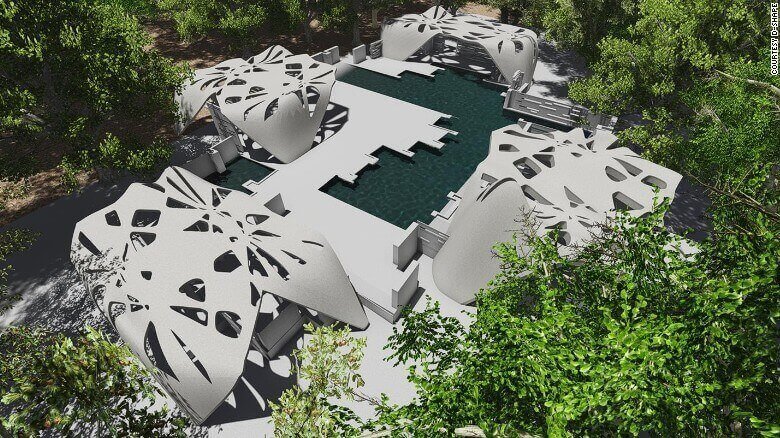
 D-Shape Enterprises and NYC architect Adam Kushner present a 2400 square feet house with a totally classy touch.The Italian 3D Printing pioneer Enrico Dini, the founder of D-Shape Enterprises has made these house, built in Upstate and taken over by Kushner and his wife.

The property includes a jacuzzi, car garage and a swimming pool. Their printing process begins by collecting dust, sand, and gravel. These raw materials are mixed with magnesium base so that to create a printable construction material. The printer is capable of making building blocks of 6-by-6 meter cube and the collaborative effort is still being continued to complete the project.

Freedom space

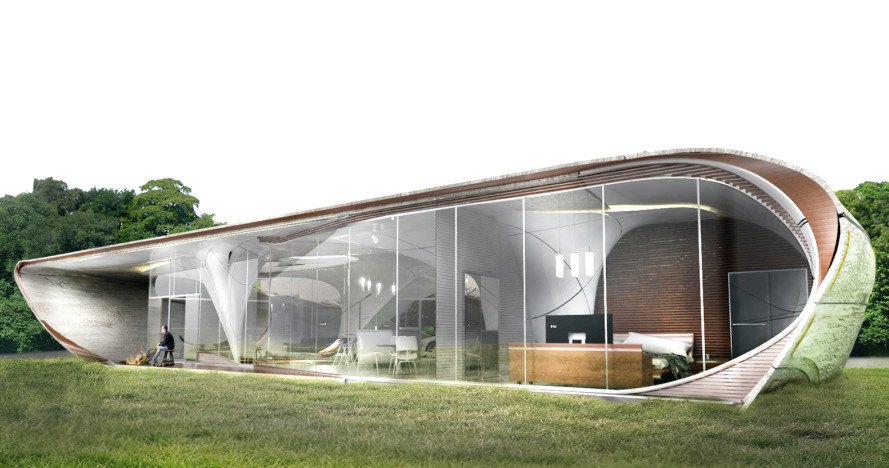
Designed by WATG Urban, the Curve Appeal home won the Freeform Home Design Challenge in 2016 – and it’s slated to break ground this year after a research and development phase.

The undulating slopes and space-age design so the name  Curve appeal. The home allows efficient technology binding with the surroundings and nature.

The global design competition challenges the architects to come up with new innovative ideas and theories for the real world living.So there is a lot going on in the 3D Printing age and we need to stay updated wit the trend.

It is like a dream come true to stay in one of these 3D Printed houses. So get ready for exploring a  whole new world of architecture with 3D Printing industry. You can get your own 3d printer at Geeetech.You can check more about the 3D Printed houses here.

Credits: all3dp.com,archdaily.com,passivdom.com.

Friday, February 9, 2018

DIY!! 3D Printed Ergonomic Keyboards for the Uncompromising Typist…

If you are a mechanical geek you surely might be having insights about the  Reddit Mechanical Keyboard community.

Yeah, a whole community just talking, making and sharing their split keyboards!! Now the question that arises is why do we need a mechanical keyboard? Most manufacturers make keyboards from one circuit board and use what many describe as mushy buttons. A mechanical keyboard uses individual switches on each key and many people claim it is not only much more satisfying to type but also more accurate and faster.

But mechanical keyboards are not much common but there is a community which loves making their own keyboard. Some people get kits and assemble them together or all the parts and fix them properly and some 3D Print the framework and attach the required electronics. When it comes to customizing the keyboards, DIY works the best and so here are the Keyboard you can print them out.

Dactyl Keyboard

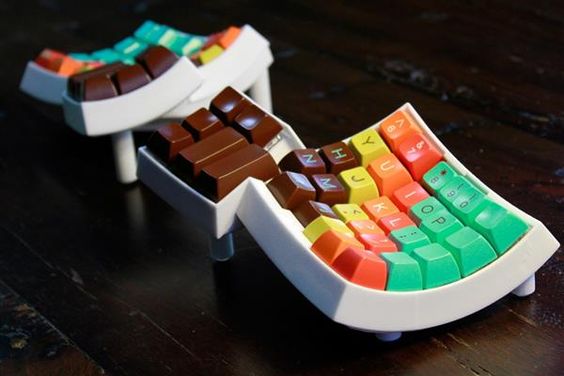
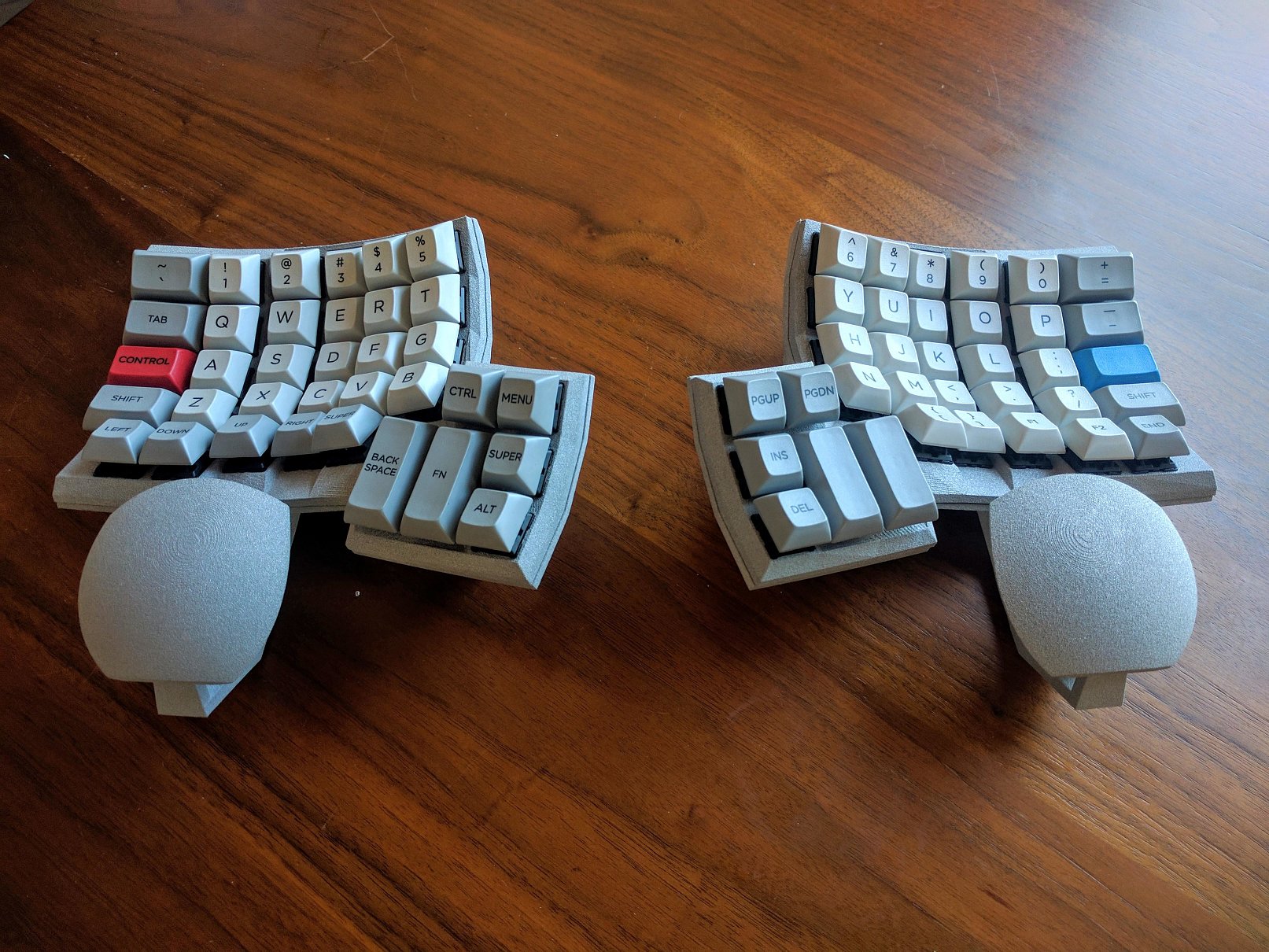
The Dactyl keyboard contains two distinctly curved keyboard segments, it sounds a little weird and is a little weird but Dactyl Keyboards are future.Dactyl, the name itself refers to an object curved to fit the natural shape of the hand, so it’s almost like an optimized version of an ergonomic keyboard.

The Developer of the keyboard is Matt Adereth, he is a tool and infrastructure builder and a mad keyboard collector.Now the good thing is it’s also a mechanical keyboard.Over the decades you might have noticed the clicking sounds and physical satisfaction has been decreased, that’s because the IBM type classic keyboards have phased out, instead, we are all using less expensive, spill-proof keyboards packed with rubber membranes that do all the work for us.

The Dactyl keyboard is inspired from the  Kinesis Advantage. “The layout is very similar [to that of the Kinesis Advantage] and quite comfortable. I’ve got the thumb cluster a little closer and angled and I think it makes it nicer. The only problem right now is the lack of palm rest, which some ergonomics folks think is actually a good thing. I’m working on one next,” he tells his fans.If you’re interested, you can actually build one of these amazing keyboards yourself with the help of Matt’s GitHub files, but there isn’t really a detailed guide available. And the best printer and PCB for printing this keyboard is available at Geeetech.

Keyboardio

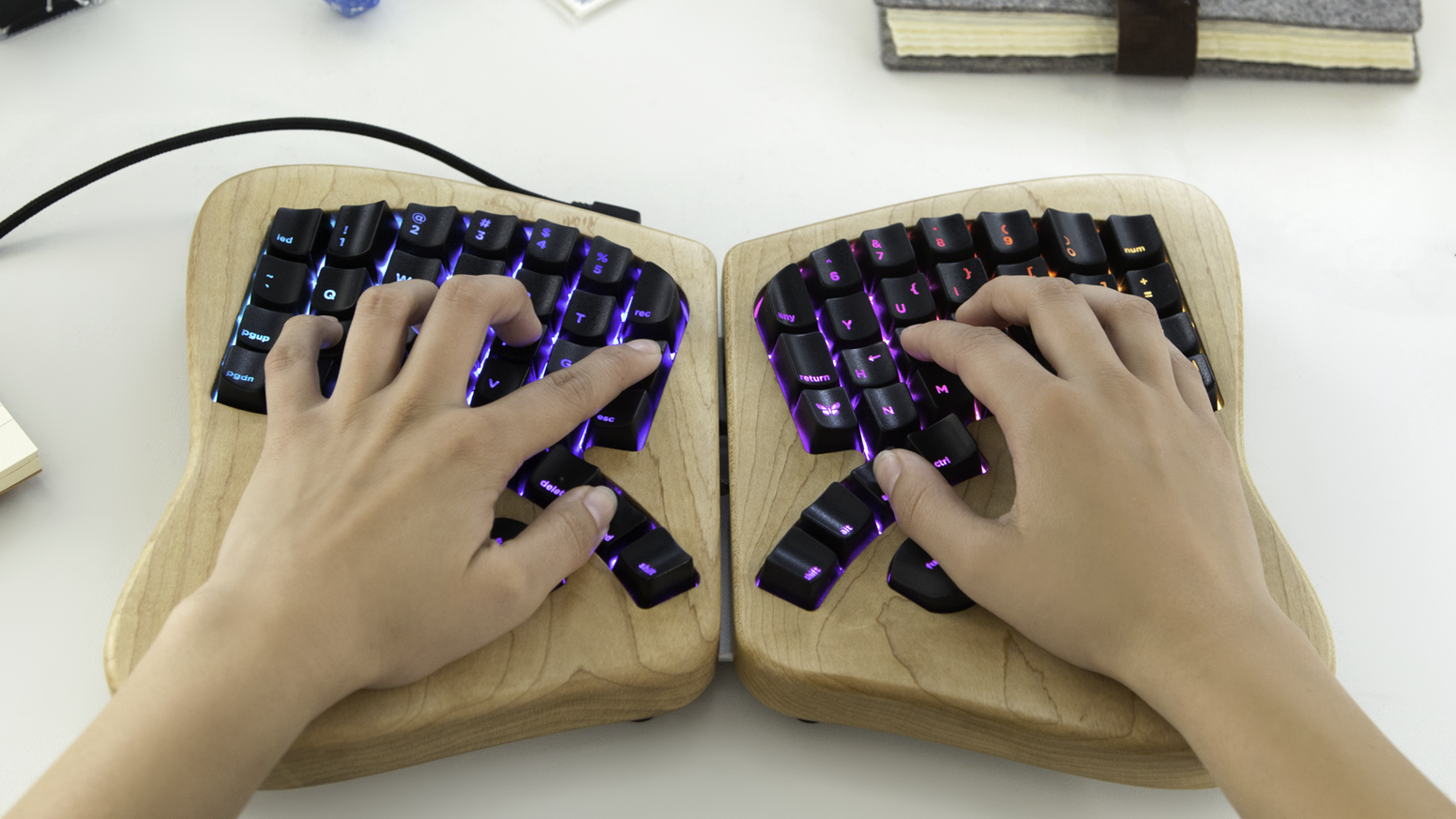
If you are an uncompromising typist and spend most of the hours on the computer then this is just the right keyboard for you.It is one of the heavier keyboards in the list which is made of wood and adds a character to your keyboard.It ages gracefully without looking dirty and a slob.

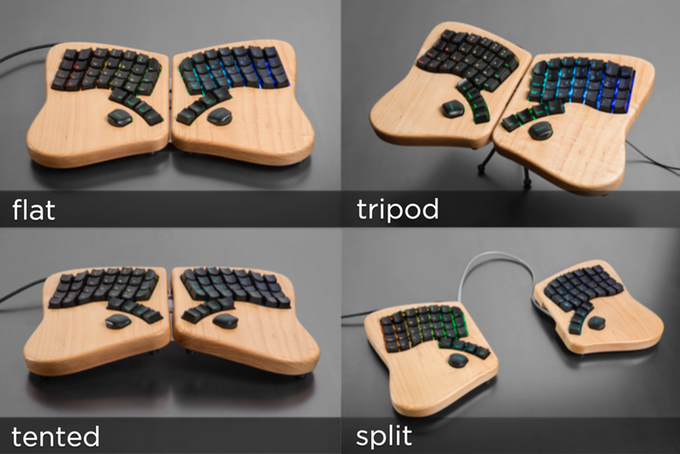
The company mills the Model 01’s enclosure from two blocks of solid maple and use mechanical keyswitches similar to those found in the original Apple II. The keycaps are all custom sculpted, the 64 keycaps make fingers guide to the right key.The base keyboard can be laid flat, split, tented, or setup tripod style.

Other features include fully programmable LEDs, true N-key rollover (NKRO) which is for folks that need to press more than 6 keys at once, and application-specific macros.The high-quality keyswitches make the soul of the keyboard lively. Get to know more about Keyboardio and print it out by yourself.

Mitosis Keyboard

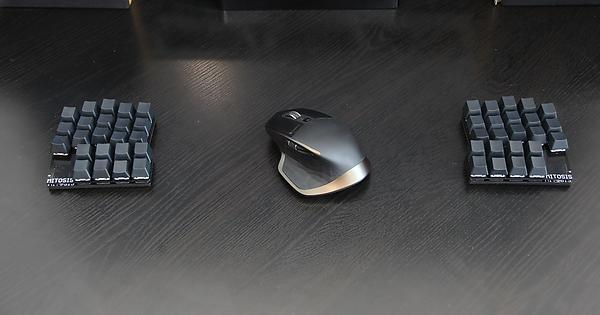
A wireless split ergonomic keyboard which you can totally do it yourself.The designer has posted up the source and design files on this Reddit thread including PCB manufacturing files, Lasercutting files, Wireless firmware, QMK source, PDF Schematics, PCB design files and Parts list with suppliers. The creator says learning to make a DIY keyboard is a bit difficult but it was a bit simple.

Thumb clusters were the part of his plan but used to get pinky pain after long typing sessions. The benefit of a completely different system is that he could still touch type QWERTY, something in his brain just switches right back when touches a row staggered keyboard.

Shortcut Ergonomic Gaming Keyboard

A fully customized keyboard for all the gaming freaks out there.The main features of this keyboard are Thumb cluster,hand-shaped design, split keyboard, and a configurable layout. Know more about the keyboard on their blog.

These keyboards might have convinced you to start making one yourself, so what are you waiting for? Just get the right printer that will satisfy all your needs and the right PCB and other accessories required and start printing. We suggest you the Geeetech Prusa I3 will be the best for printing a user-friendly and elegant keyboard.

Credits: Reddit.com,allthingsergo.com,youtube.com, shortcut.gg.

Tuesday, February 6, 2018

Worry Not!! You Can Now Reuse Waste Plastic For Your 3D Prints.

3D Printing is certainly having a lot of impact on our lives, exploring creativity and awesomeness but after every print, there is an extra filament left and oozing out which has to be trimmed.This filament cannot be used again as it is too small.Think about how many 3D printers there are in the world and how many things they’re printing every day, and that’s a whole lot of waste that can only really end up in a landfill.

The biggest environmental issue is to tackle the plastic waste. Plastic has been accumulated on our earth since it was discovered and there is no way out to get rid of it, an alarming sign of pollution now. But it can be recycled and reused, so the better way out of this pollution problem is 3D Printing.

We cannot stop utilizing plastic but surely can make the most of it by recycling it…

Read the stories below to know how to efficiently use the wasted plastic while 3D Printing:

Precious Plastic Project

As the name suggests Precious Plastic is the global community of environment lovers who look forward to ending the plastic pollution. Here anyone can share their collaborative techniques and ideas.Already many people are working towards reusing the old plastics and make creative useful products.

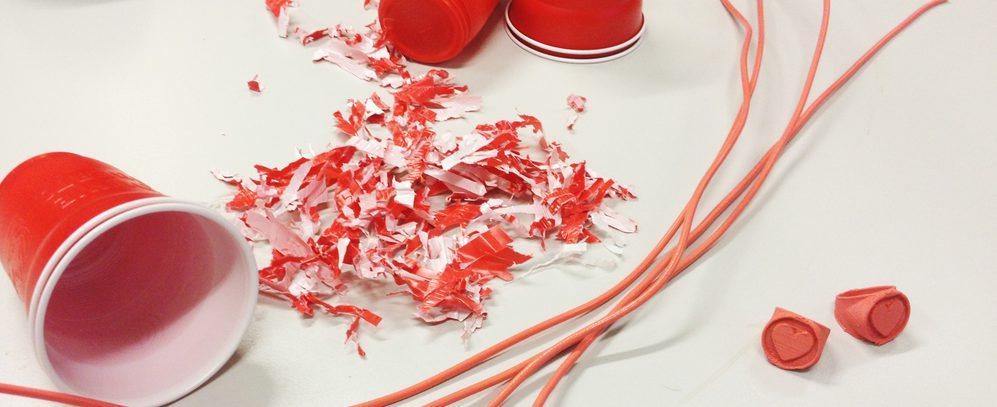
Currently, the team is turning otherwise unrecyclable plastic into functional smartphone cases. Anything from old plastic bottles to takeaway cup tops is being combined to create new iPhone cases.Precious Plastic has created a manufacturing ecosystem to help people to turn plastic waste into valuable products.

We previously covered the project during the initial launch of its open source production platform.The company also gives a toolkit and machinery including a plastic waste shredder, an extrusion machine to create 3D printing filaments from recycled plastics, an injection molder, as well as a compressor to help process the molds. To check the efficiency of these tools they are creating iPhone covers as the first project from recycled plastic.

Reform the campus

UC Berkeley is a leader in 3D printing has students all over the campus printing their favorite things and exploring which also creates a lot of plastic waste.Almost over 600 pounds trash is generated all over. The students Nicole Panditi, and Scott Silva have a solution.

They’re creating a campuswide system that takes used 3D printer plastic, grinds it up, melts it down and produces a new spool of plastic that can be used again in the campus’s 3D printers.

In spite of the fact that there have been a few endeavors to reuse 3D printer plastic on campus and some labs purchase reused fiber, this would be the first run through Berkeley had a framework to reuse all the 3D plastic waste on campus, something Panditi says will be fundamental as 3D printing turns out to be increasingly well known.

From Plastic Bottles

Three engineering physics students at the University of British Columbia in Canada have developed the ProtoCycler, a gadget that can crush a wide range of waste plastic into an excellent clean spool of plastic fiber that can be utilized as a filament of a 3D printer.

We’re talking anything – plastic jugs, 3D-printing shorts, takeaway nourishment compartments. In the event that your children forget their LEGOs one too often for you to tread on with your uncovered feet… toss them in as well. It works simply like a juicer, which you can find in the video.

Sustainability is what we all are striving for. We can surely lend help to keep the earth pollution free by whatever means we can. Even if its a small thing it matters a lot. Plastic cannot be eradicated but better used, so making the most of it is in our hands.

Start with a small change and see how the world changes. A push towards 3D Printing and the better world starts here at Geeetech. Join us to make the world a better place to live in.

Credits: perpetualplasticproject.com,all3dp.com,youtube.com,news.berkeley.edu,sciencealert.com.

Need a 3D print? These sites will print your design for you!

Just because you don’t own a 3D printer doesn’t mean you can’t experience the joys of 3D printing! And if you’re wondering how then its high time we talk about 3D printing services and how cool they are!

Essentially, a 3D printing service or company will print your design for you and deliver it right to your doorstep.

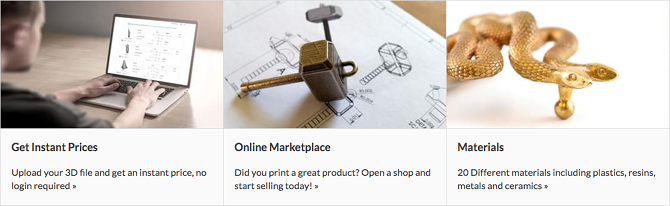
All you need to do is upload your model design, STL files, scans or even physical items that you wish to be 3D printed. Apart from this, there are a variety of models available that you can choose from. Alternatively, if you’re looking to sell your designs then you can consider listing your services as well.

We’ve compiled a list of some of our favorite 3D printing services that you absolutely must check out-

1. Shapeways

Technologies: SLS, SLA, Binder Jet Steel, Wax casting, Material Jetting

Materials: Plastic, Metal, Ceramics, Sandstone, Wax

One of the most popular 3d printing services, Shapeways is perfect for both 3d printing enthusiasts as well as newbies. You can either upload your STL files and custom designs or opt for their professionally designed items and customize them to your liking.

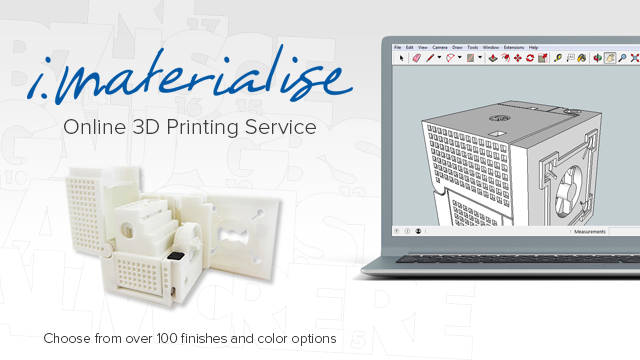
2. i.materialise

Technologies: FDM, SLS, SLA, Casting, CeramicJet, Colorjet, DMLS, Indirect Metal Printing, Polyjet

Similar to Shapeways, i.materialise lets you upload your designs and have them printed out for you. For designers, they can either sell their 3d print designs via the gallery on the i.materalise online store or embed them into their website.

Materials:  Plastic, Metal, Ceramic, Wood, Resin, Sandstone

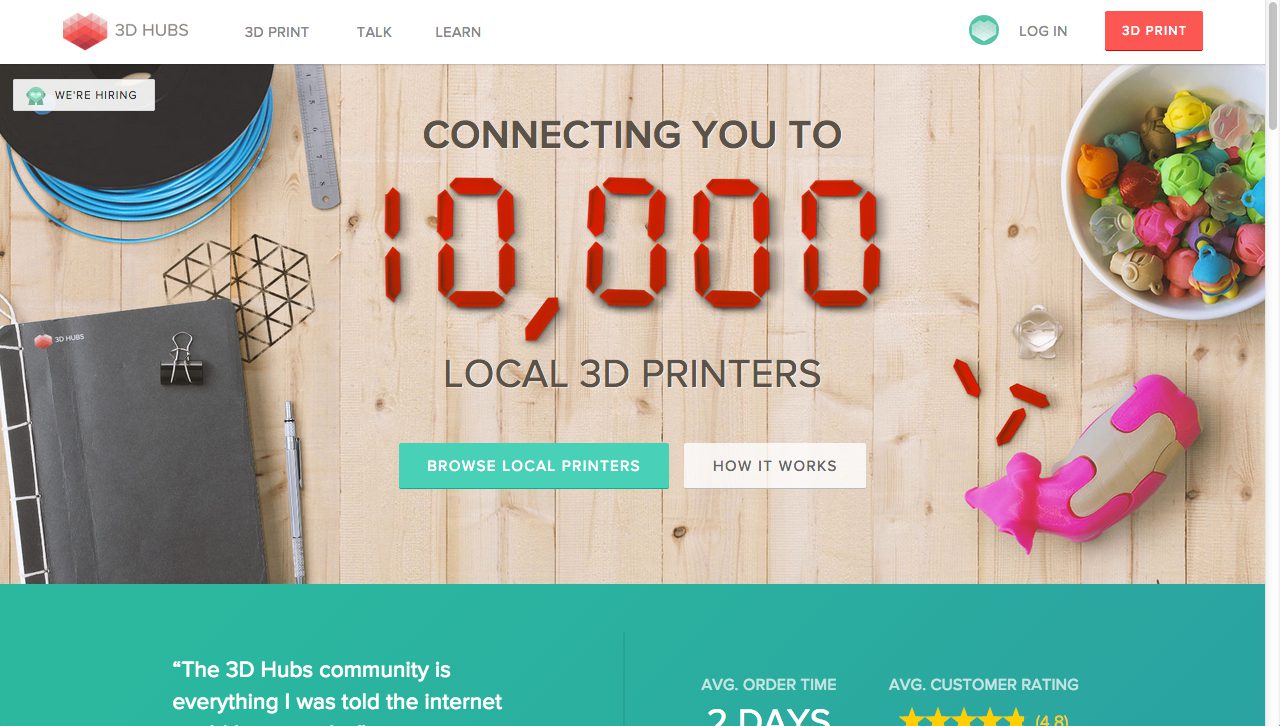
3. 3D Hubs

Technologies: FDM, SLA, SLS, Jetting, Metal Sintering, Paper, PolyJetting, CFF, Wax Casting

Materials: Plastic, Metal, Paper, Resin, Stone, Wax

Rather than 3d printing your object for you, 3D Hubs lets you connect with professionals who own a 3d printer and will print your design. It’s even more convenient as you can find someone living in your area itself who offers 3d printing services, upload your STL files and instantly connect with them to get an estimate.

The company makes sure all transactions between the “hubs” and customers are performed properly. You can find these 3D Hubs all over the world mainly in Europe and the US but also in Australia, Asia, Africa, Russia, and South-America.

4. Sculpteo

Technologies: FDM, SLS, SLA, DMLS, Casting, CLIP, ColorJet

Materials:  Plastic, Metal, Ceramic, Resin, Full-color, Wax

Sculpteo offers a large variety of materials and 3D printing technologies to choose from. From art pieces to jewelry and interior decorations, you can find something that you love and even take it one step further and customize it. Like the other online sites, Sculpteo too offers hobbyists and professionals to open up an online storefront and sell where they can sell their designs.

When asked about his views on 3D printing, the founder of Sculpteo, Eric Carreel says “Soon, instead of buying things that are made in large quantities at factories, we will buy objects made in quantities of just one, specifically for us”. And if you take a look at Sculpteo, you’ll feel the same!

3. MakeXYZ

Technologies: FDM, SLS, SLA, Material Jetting

Materials: Plastic, Resin, Nylon

What sets MakeXYZ apart from other online services is that it offers you a handy little perk. You can either upload your files and have them printed or you can choose to allow an experienced Makexyz print manager handle the process for you. For newbies especially, this tool gives you a very smooth experience.

Apart from this, you can upload your files in a variety of formats like stl, obj, zip, step, stp, iges, igs, 3ds and wrl. The site also includes a “Find 3D Printers” list that includes the printer’s name, location, and his/her 3D print capabilities.

3D printing services are also a great way to test out 3d printed objects before buying your own 3d printer. And if you love the experience and can’t wait to buy your own then take a look at our Store.

Credits: imaterialise.com, makexyz.com, sculpteo.com, 3dhubs.com, shapeways.com

Saturday, February 3, 2018

Essential Tools That Every 3D Printing Passionist Must Have!

3D Printing is love but when it comes to reality we face a lot many issues such as print getting stuck to the bed, the filaments breaking down, the axles not working and getting stuck etc. This is a list of few problems that we face with 3D Printing, so we have bought to you some solutions rather tools that you can use to tackle these common problems.

Print removal tool kit

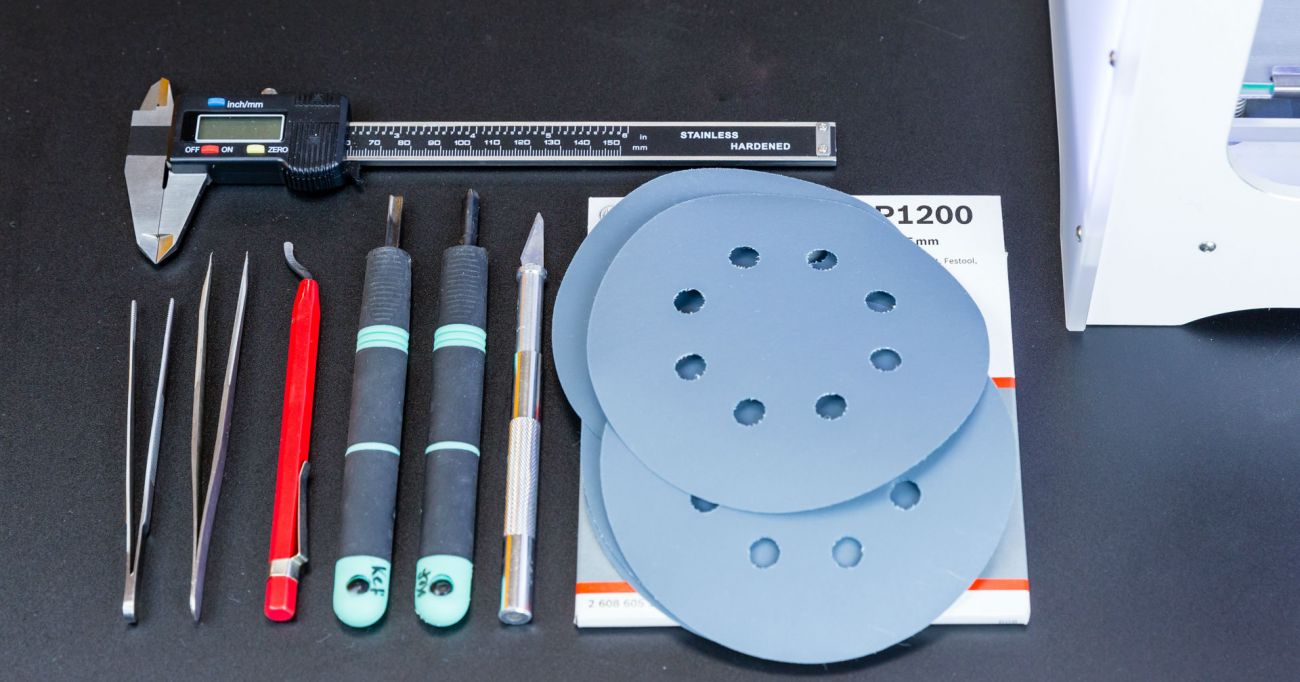
You feel really tensed when your print gets stuck to the bed and becomes hard or impossible to remove them easily.A spatula or knife also works in this case, you need to put in a little forced though.

Just keep in mind that not much force is applied and it doesn’t break the print. So keep in mind to apply the exact force and help your print remove from the bed satisfactorily. The tweezers can be used to remove the oozing filament out of the nozzle.

Great for removing 3D printed support material or cleaning up 3D Printer hot ends. Fine ends let you easily get too hard to reach places.Be careful to not scratch the print bed if you are using such sharp object.The nozzle gets blocked every time after printing a design, an extruder nozzle cleaner is the best solution.

Glue Stick

Bed adhesion building is the pretty essential part when you start to print to keep the object in place. These come in too handy when you have the need to stick your print to bed, hairspray can also be used but it does not deliver that much precision.

If you want to avoid the trouble of warping then glue stick is important.It is simple, just cover your print bed with soluble glue and experience the improvement in adhesion.

Pliers

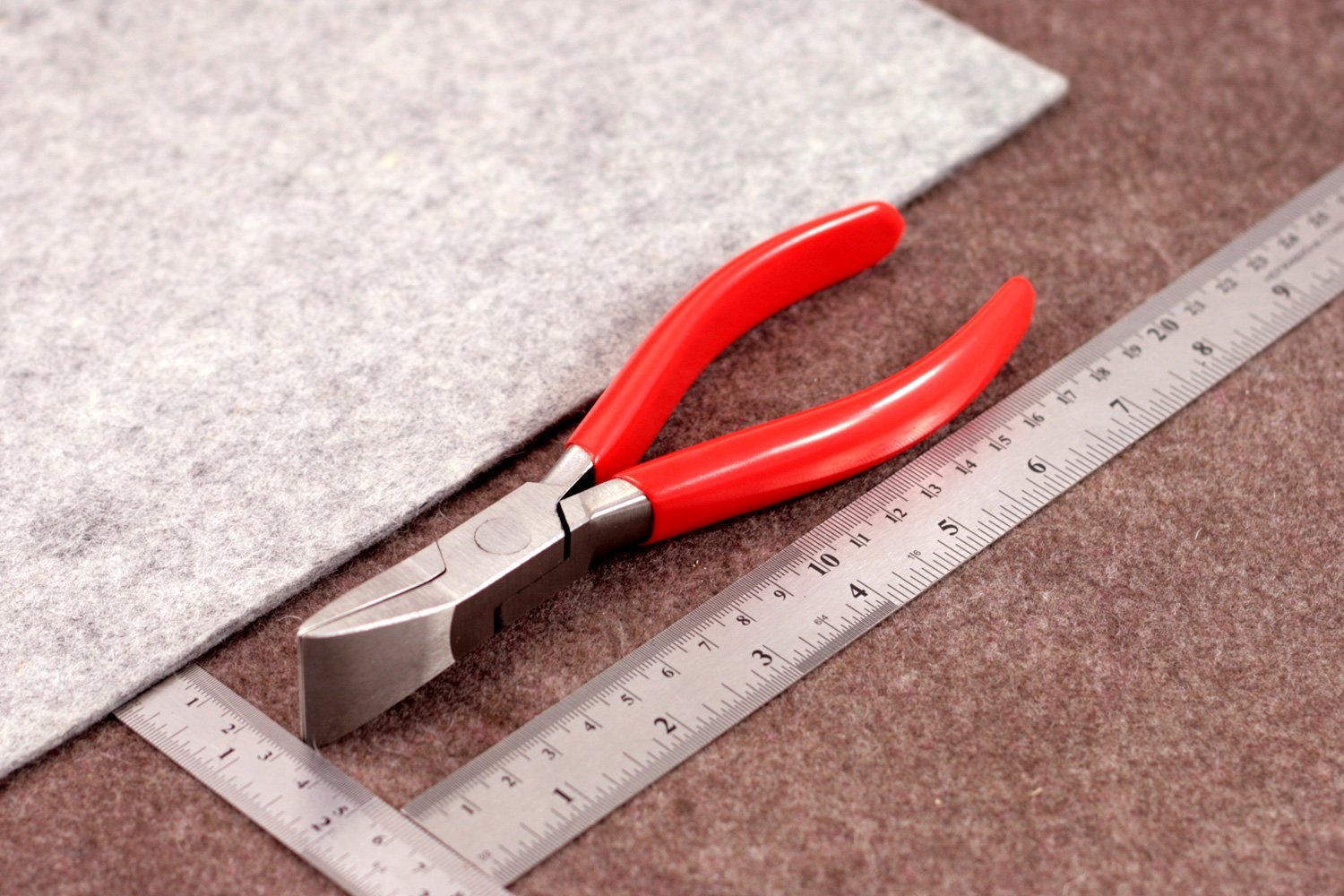
A pair of pliers is always good in a kit, its handy to remove any sticky object or to fox the printers if there is some help needed.Get quality pliers with rubberized slip-resistant grips.

No matter what brand you end up buying, the absolute must-haves are needle nose pliers and wire cutting pliers. The wire cutting pliers are particularly useful to snip away support material or when trimming filament.

These can be used to reach into tight spaces to remove tangles or melted material also used to trim filament, larger messes, and any wire or other material used for supporting the printed piece.

Desiccants

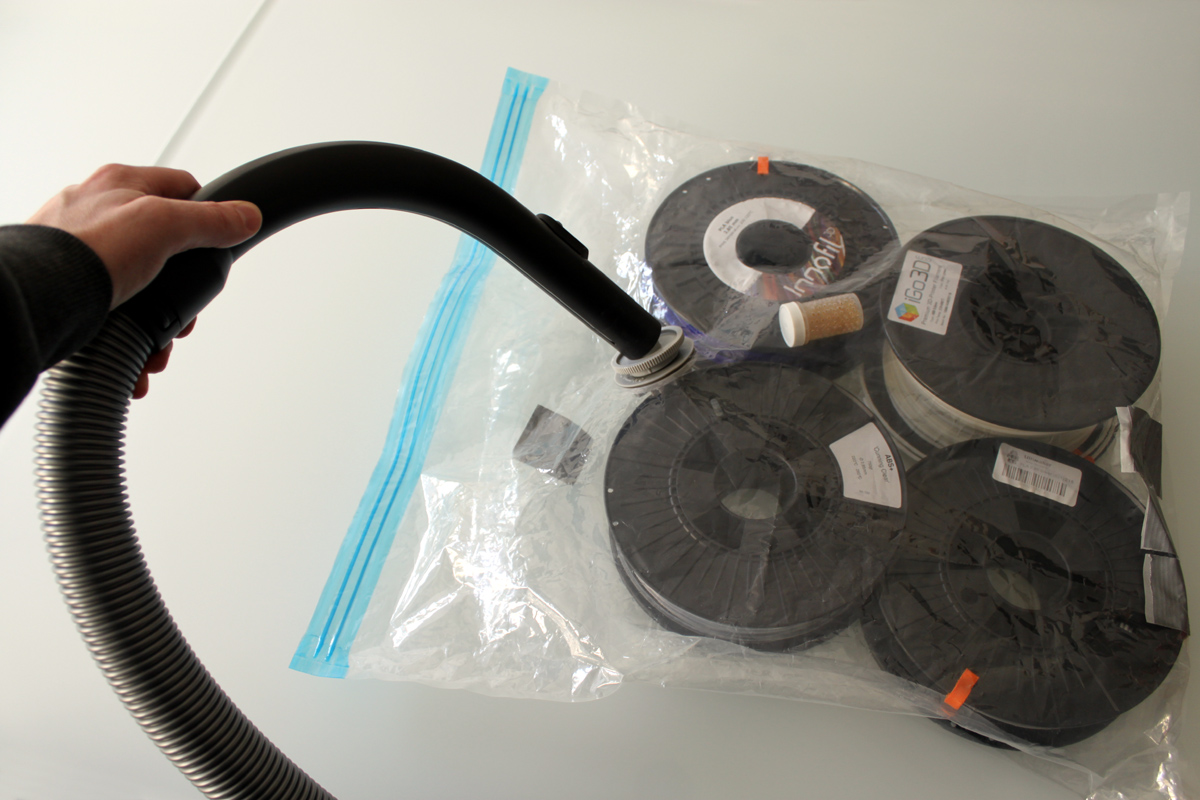
The filaments used for 3D printing are varied and are used to print various objects and designs. They might be environment-friendly filaments made from beer, trash or garbage or the standard filaments like ABS, PLA, Nylon etc.

Storing them is a question and they also catch moisture leading to the breakdown of the filament at such times use a desiccant that can absorb the moisture, add it to the plastic sealed bag which you use to store filament.

Digital calipers

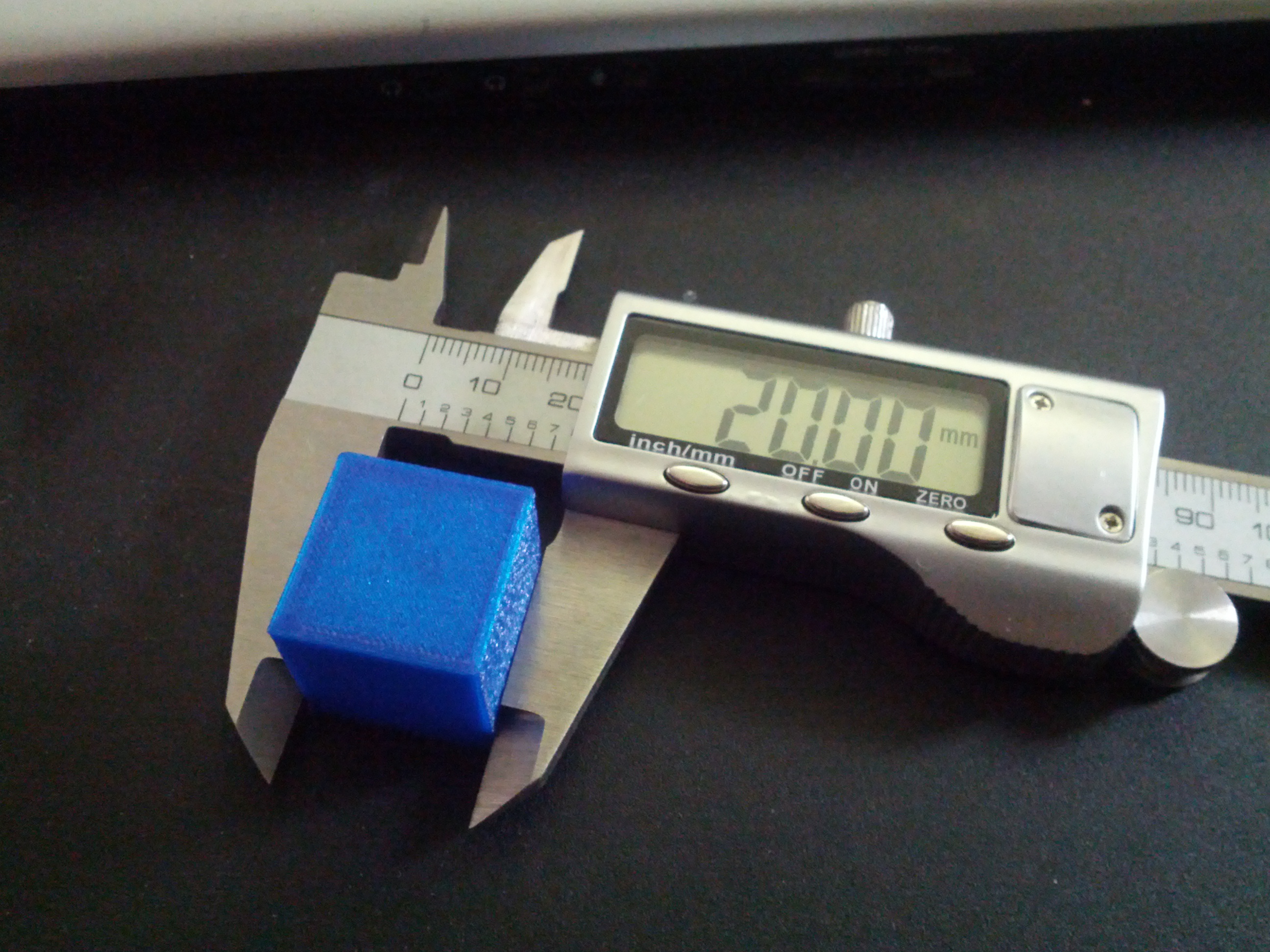
A caliper should be used to take precise measurements and also to replicate any part of the design that you want to in the software.The 3D printing filament even though it is advertised as  3mm or 1.75 mm, rarely turns out to be manufactured to these exact measurements. Here is where you need a caliper, measure the filaments at certain different positions, average up the readings and if necessary do adjust filament diameter from the slicing settings of your software. Know how to use the digital caliper wisely and it will long last your 3D Printing career.

Magnalube and Unilube

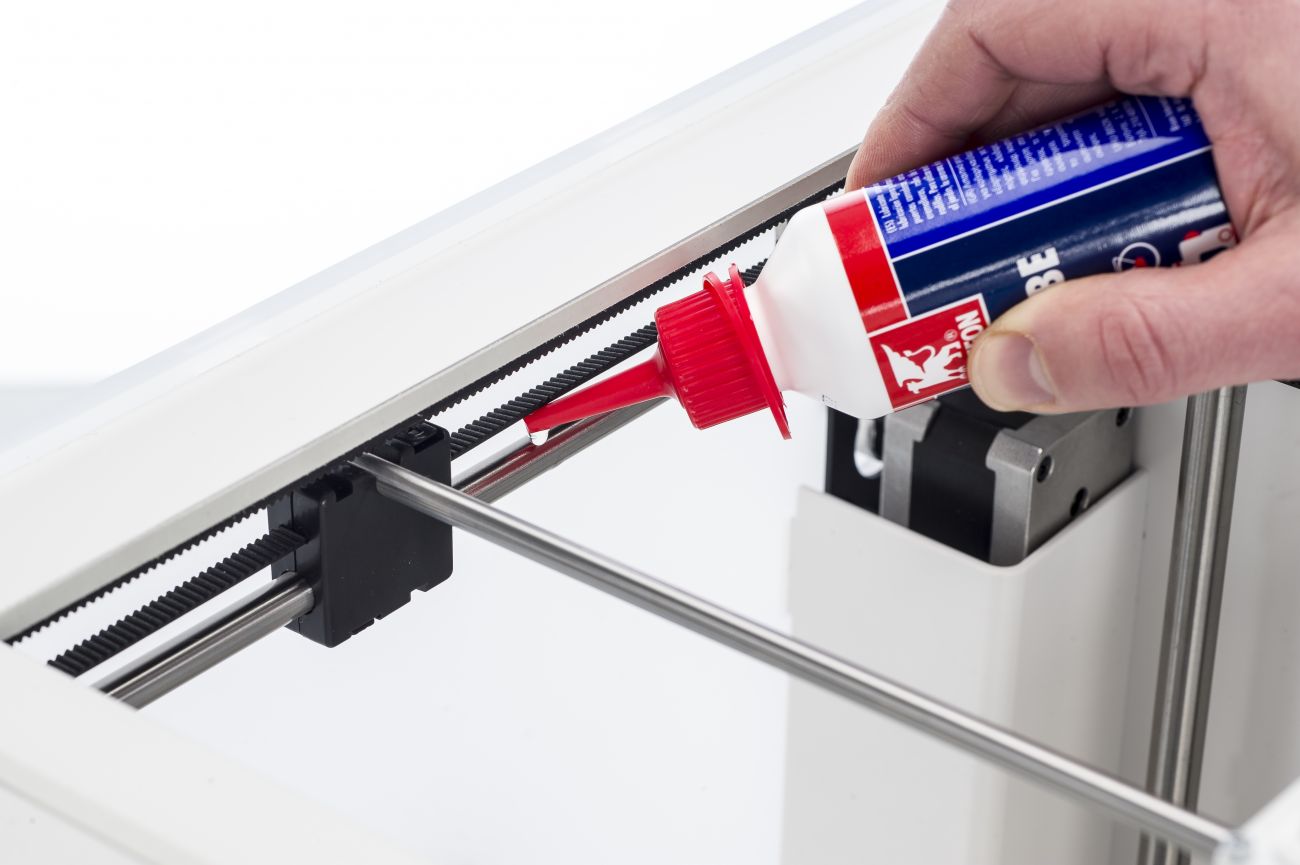
Sometimes the X and Y axles need to be lubricated to ensure that they run smoothly.The best lubricant to use is Unilube, and all it takes is a single drop to resolve any issues with dryness. For the Z trapezoidal leadscrew, use Magnalube.

It’s important not to use WD40, as this affects the axle coating and can cause damage to your printer.

Masking tape

The most widely used surface covering for print bed is the masking tapes it allows the prints to adhere better.Additionally, the tape also makes removing the finished print easier and it protects your print bed from scratches.

When buying the tape, make sure to select a width of at least 50 mm (2 inches). Wider tape requires fewer strips to cover your print bed, something you will come to appreciate if you resurface your print bed frequently.

Choosing a proper masking tape of depends on your preferences and build size. If you regularly print to the full width of the bed, it might make sense to get the wider sheets.

You can buy these helpful tools on Amazon and also know more about the troubleshooting problems here.

Credit:adafruit.com, ultimaker.com.

Thursday, February 1, 2018

Are You Kidding Me !! These Restaurants Serve 3D Printed Food…

Due to the advancements in 3D Printing and the future capabilities, we cannot limit our horizons to just print beauty products or houses or small intricate designs, it is also well establishing the food industry. It sounds a little dramatic but yes there do exist restaurants that use 3D Printers for making the dishes.There is no stopping to 3D Printing …

Let’s know what these Restaurants do offer:

  1. Food Ink Restaurant – LONDON

A Restaurant where everything is 3D Printed right from the dine out furniture to all the cutlery in the Kitchen and is the first 3D Printed restaurant in the world. When they had just opened, it was an exhibition space in the morning where people can visit and see 3D Printers printing food and try some 3D Printed snacks.

During the night hours, it would turn into a boutique restaurant, where 10 diners per sitting paid over £250 a head for a nine-course menu, printed during the meal while they watched.Antony Dobrzensky, Food Ink’s co-founder, and director explains his love towards science and wanted to connect it with the people.

There’s when he thought about 3D Printed food.  He says,”I began exploring the idea of doing something with 3D printing that could connect to the public and I came to the conclusion that food, the universal language… was probably the best way to bring what is otherwise an exotic, intimidating, confusing subject to the mainstream.”

The restaurant also has VR systems and is almost full every time you walk in so book your seats first, also getting a ticket is quite hard. The restaurant focuses on futuristic developments in the 3D printing world.

2. La Boscana- SPAIN

Mateo Blanch the chef of the restaurant wants to bring creativity to the food he makes that’s what 3D printing helps him to achieve. He uses the FOCUS 3D Printer by Dutch manufacturer BYFLOW which is the first multi-material printer and is portable.

Mateo says “I am using the 3D printer in my restaurant and I like to use it in front of customers so that they can participate and see how I am making their food, and I’ve had really good feedback from my customers.”

3. Melisse Restaurant- Santa Monica

If you think there cannot be any creativity with the salty crouton on a salad or soup, then 3D printing comes right to your rescue, chef Josiah Citrin, the chef, and co-owner of Santa Monica-based restaurant Mélisse made this exclusive 3D Printed croutons.

The grand opening of the restaurant in Los Angeles had mostly to deal with all the 3D Printed delicacies and special guests. Josiah served a French Onion soup 3D printed onion powder cube in a bowl that dissolved as hot oxtail broth was poured over, as well as a 3D printed pumpkin and maple waffle cradling a quail egg. The printer used for preparing these mouth-watering dishes is ChefJet Pro and there were other chefs who used the 3D printer to there most for a perfect gourmet.

4. La Enoteca at Hotel Arts-  BARCELONA

Chef Paco Parez of La Enoteca has shown that 3D Printing and a person’s creativity can deploy the intricate designs to food which are complicated to produce by hand.

He produces the complicated sea coral straight into the plate with the help of Foodini 3D Printer.Secondly, he places caviar, sea-urchins, hollandaise sauce, egg, and a “foam” of carrot on top of the design, by hand, transporting the end diner to the depths of the ocean both visually and on the palette.

A sleek fancy restaurant that supports 3D Printing to make there dishes beautiful and appealing , the chef and the owner Paco Parez say “Creativity is shaped by what technology can do.”

We are fascinated by the possibilities of 3D Printing in every industry and surely it is gonna make a  revolution and ease our life-giving potential for our creativity. You can know more about 3D Printing, it’s applications and troubleshooting at our blog.

Credit: latimes.com,3dprinting.com,finedininglovers.com,youtube.com
Saturday, January 27, 2018

You won’t believe these 3D Printers cost just below $500!

A common misconception boggling the minds of people who want to start with 3D Printing is – 3D Printers are too expensive, just because the original 3D Printed object comes out of the machine and the object is tangible also the industry is quite new and still some people just know the brim of 3D Printing. We are going to clear out this misconception here itself. 3D Printers are available for everyone right from beginners to the ones having a handful of knowledge about it and are in the industry for a long time. You can read about different misconceptions about 3D printing here.

Know these 3D printers just below $ 500, we have listed them accordingly to the best reviews from Amazon.

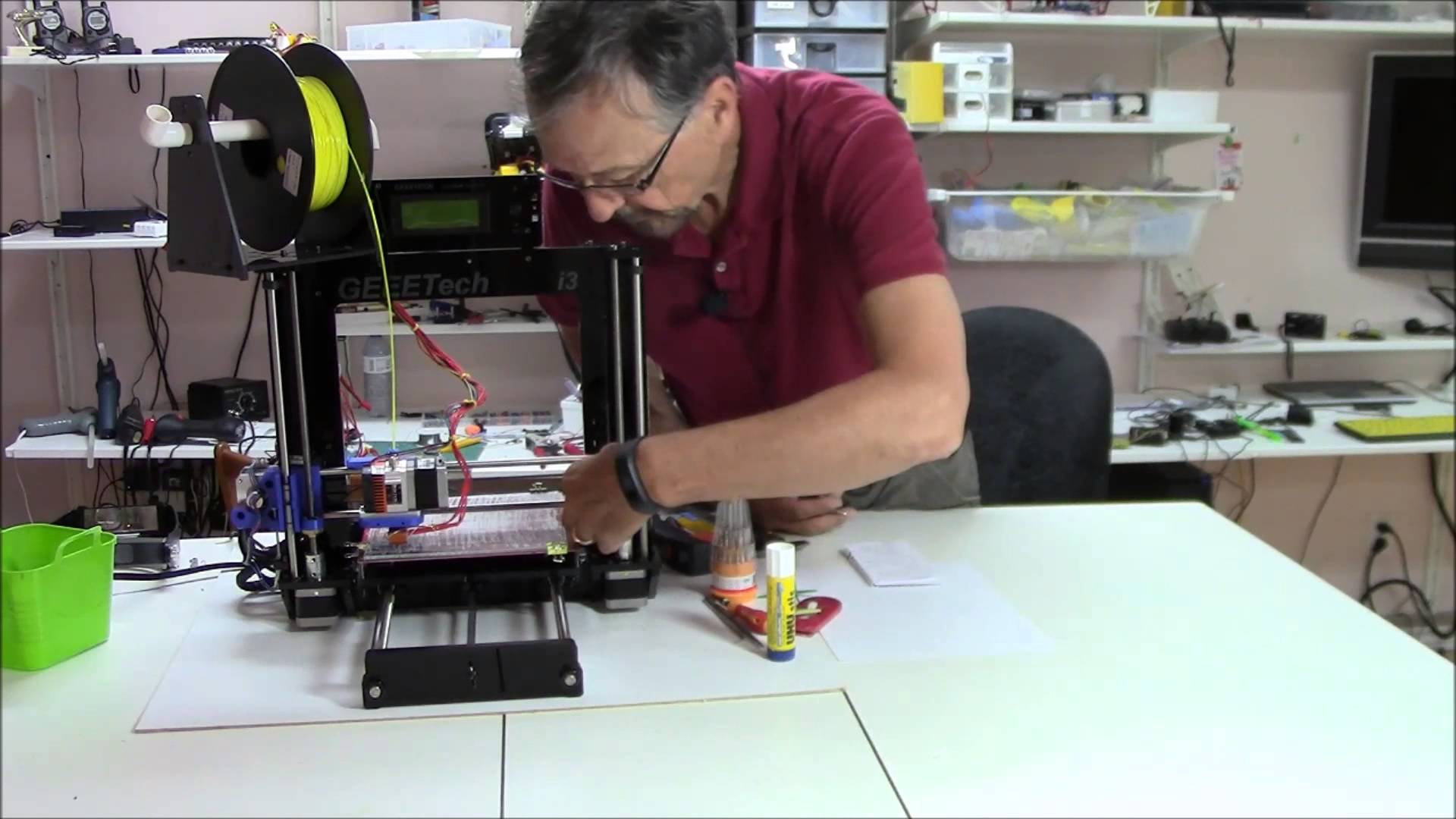
Acrylic Geeetech Prusa I3 pro

Newbies get ready coz this printer gonna teach you a lot. After being ordered the printer comes with a great packaging without damaging the stuff and the wooden fragmented pieces are easy to assemble.Approximately it takes 5-7 hours to assemble and if you read the instructions clearly you won’t land up into messing it up.

It’s not like a put it together and it works kind of kit, you really need to fiddle with it and show patience if you want great results. The Best way to get the most out of Geeetech Prusa is to watch the youtube videos and read the manual given along with it. If you are starting with printing out the objects then do keep in mind and study well about the slicer settings also the bed gets heated and so fans for cooling the bed is a must have in your kit.

Only things you will need to buy extra after purchasing this item to get like prints is PTFE grease (for z-axis threaded rods), Filament, part cooling fan(s), and tweezers. Now all of these are optional but will aid in getting those high-quality prints much faster.

Buy this on Amazon.com at just $313.99
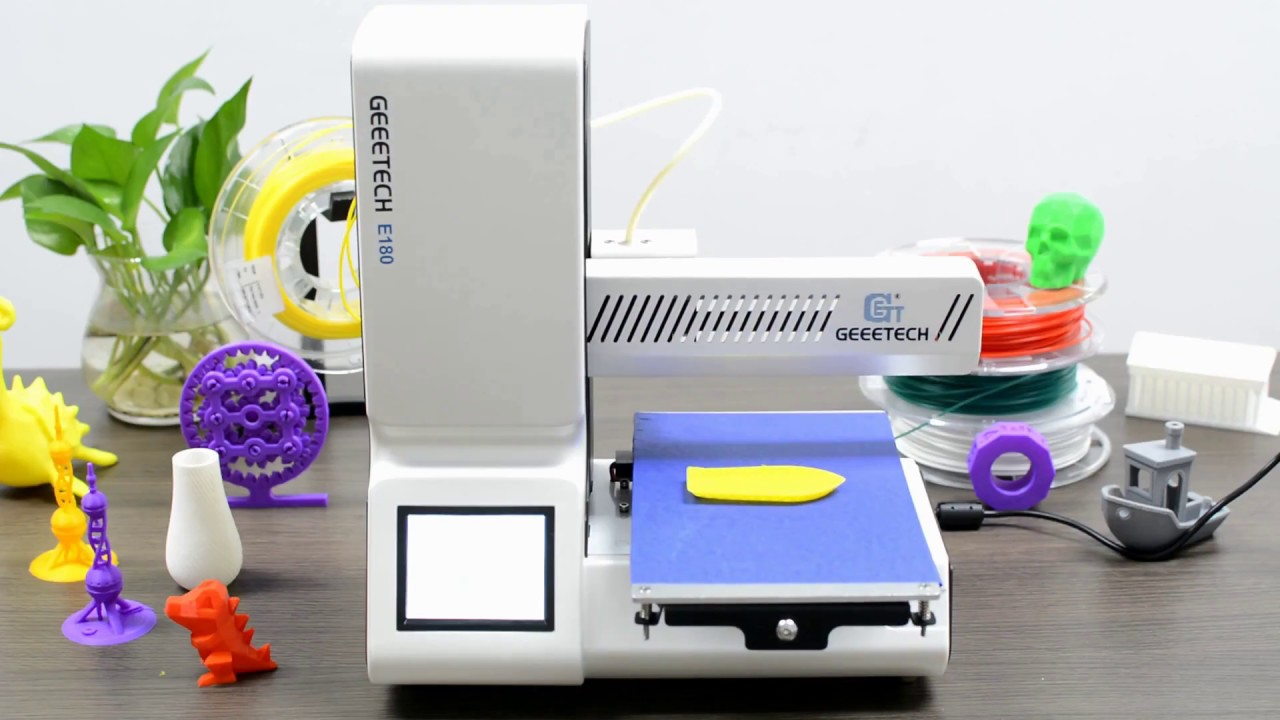
Geeetech E180 Mini Printer

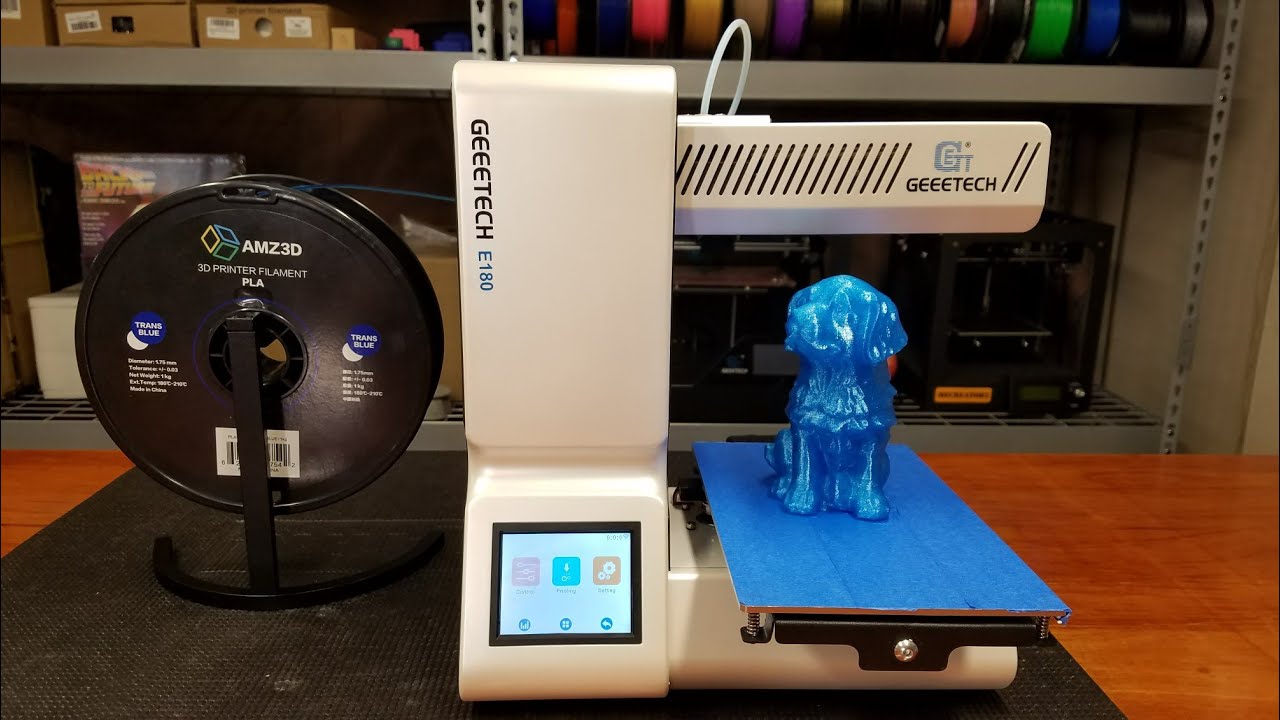
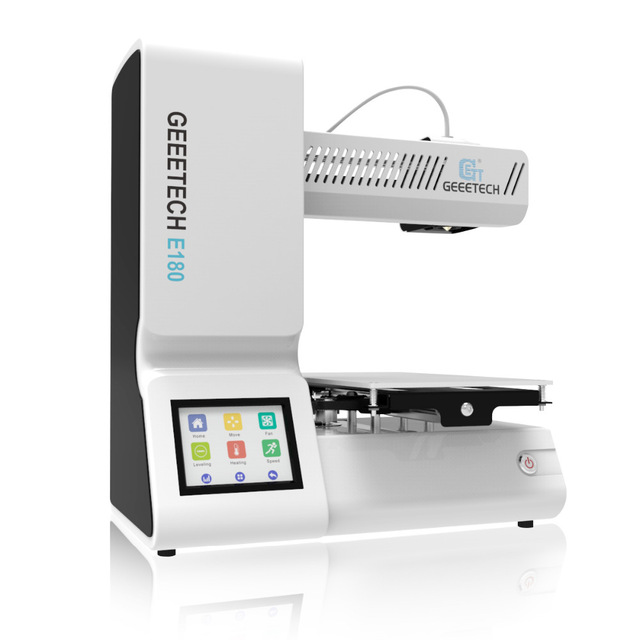
Viewing from the education perspective, this printer focusses on clearing the class book concepts with practical solutions. An elegant and simple design with a lot to offer. Wifi connectivity makes the printing more simple and easier.

Printing via EasyPrint 3D App is quite easier where you don’t have to manipulate the settings much and also a free access to Cloud gallery. You can print large objects by printing them in chunks and then joining them.The touchscreen user interface allows you to change the relevant parameters in real time also the break resuming capability is great helping you to continue the product from where it had stopped. The tiny machine can create giant objects with best finish and smoothness.

Buy Geeetech E180 Mini 3D Printer only at $298.00.

Delta Rostock mini G2S pro

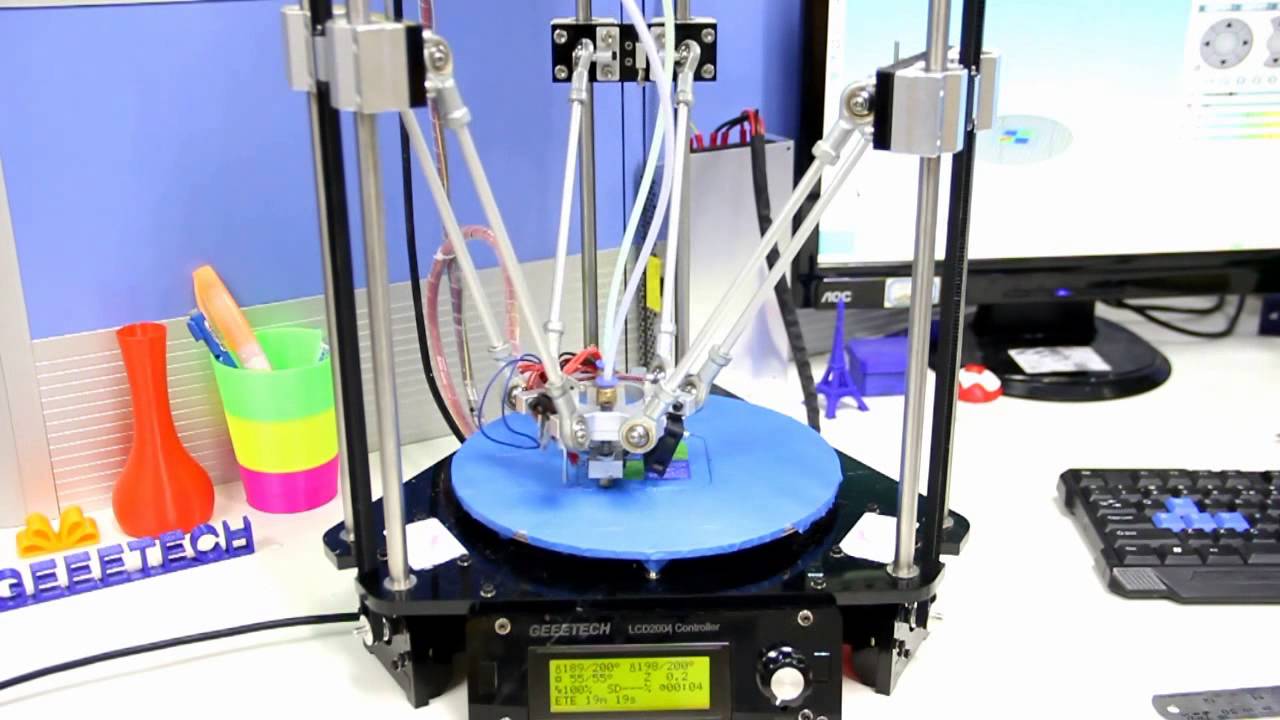
This printer is an improved version with more accuracy and speed enabling you to print a single object of two different colors or two objects with a different color on the same print bed.Follow the step by step procedure for assembling the printer just as given in the Geeetech Rostock mini G2 & G2s pro Quick Starter Manual.zip then continue to read the Delta Rostock mini G2& G2s building instruction.zip thus you are now all set to print on the Delta Rostock mini and get the best out of it. The only thing to remember while 3D Printing is patience and reaching out to people those who can help you solve all your difficulties.

Get this printer on Geeetech official website at just $269.

Geeetech High-Quality MeCreator

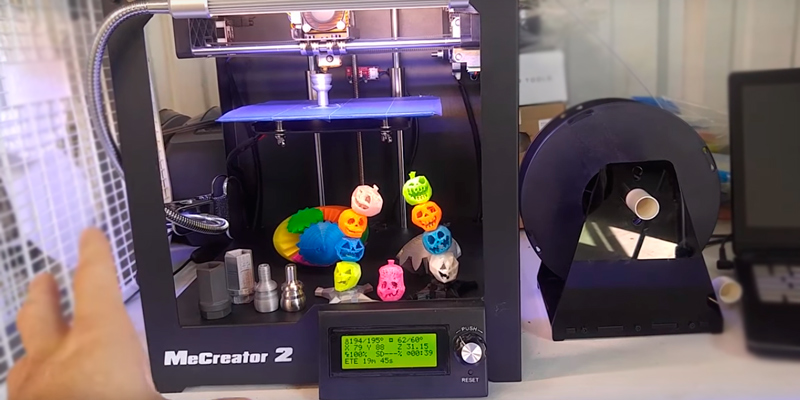
Precise in printing due to the upgraded hardware and optimized firmware, this printer allows you to efficiently print your designs.The half-open box type design gives protection to the printer and giving you easy access to observe whats getting printed out there.Its compact and comes with an upgraded extruder whose feeding part is V shaped ensuring constant and stable feeding.The best part about MeCreator is it supports various software tools and slicer tools giving you a better experience.

Get this printer on Geeetch Official Site at $385.00

So you need not wait to buy a 3D Printer now as you know it does not cost much and is amazingly helpful. The Geeetech team is always there to help out. You can share the problems you face with the printed on our Fb Group and we will make sure you get them solved.

Credits: youtube.com, i.ytimg.com, amazon.com.

Monday, January 22, 2018

Clearing the Misconceptions about 3D Printing…

3D Printing is surely a big revolution for the 21st century.Changing the lives of the people it has impacted all the industries in some or the other ways. This vast industry also has some misconceptions that are still not clear to people. Whether you are pro or a beginner, some of the misconceptions still remain behind our minds.

Let’s know what these misconceptions are:

3D Printers are too expensive

This depends on what you intend to do in the 3D printing industry. If you want to grow a business around it than investment is worth. Yes, there are a lot of high priced printers, but that involves what you determine to print, the size of the object, which type of filament will be used, the speed of the printer, various features etc.

Image result for Geeetech E180 Mini wifi 3D printer

You need to collect proper information about the printer and what you aim at printing. Thus a plan is required and then the budget summary if you want to buy a printer. There are 3D Printers which cost less than the price of a laptop like Geeetech  E180 Mini wifi 3D printer just at $298.


The E180 lets your children print large sized models by breaking them down into chunks. You can’t print the important machine parts but surely as hobbyists, you can find printers with a varied range of price.

3D Printing is Magic

No No No!!! 3D printing surely isn’t any magic, it’s just additive manufacturing. When you start printing with one of the printers you will feel as if you are in first-year class in the Hogwarts school basically in the potions class. It is learning that matters. Knowing your printer well and the filaments it supports, what settings will work better, how to adjust speed and other software settings etc.

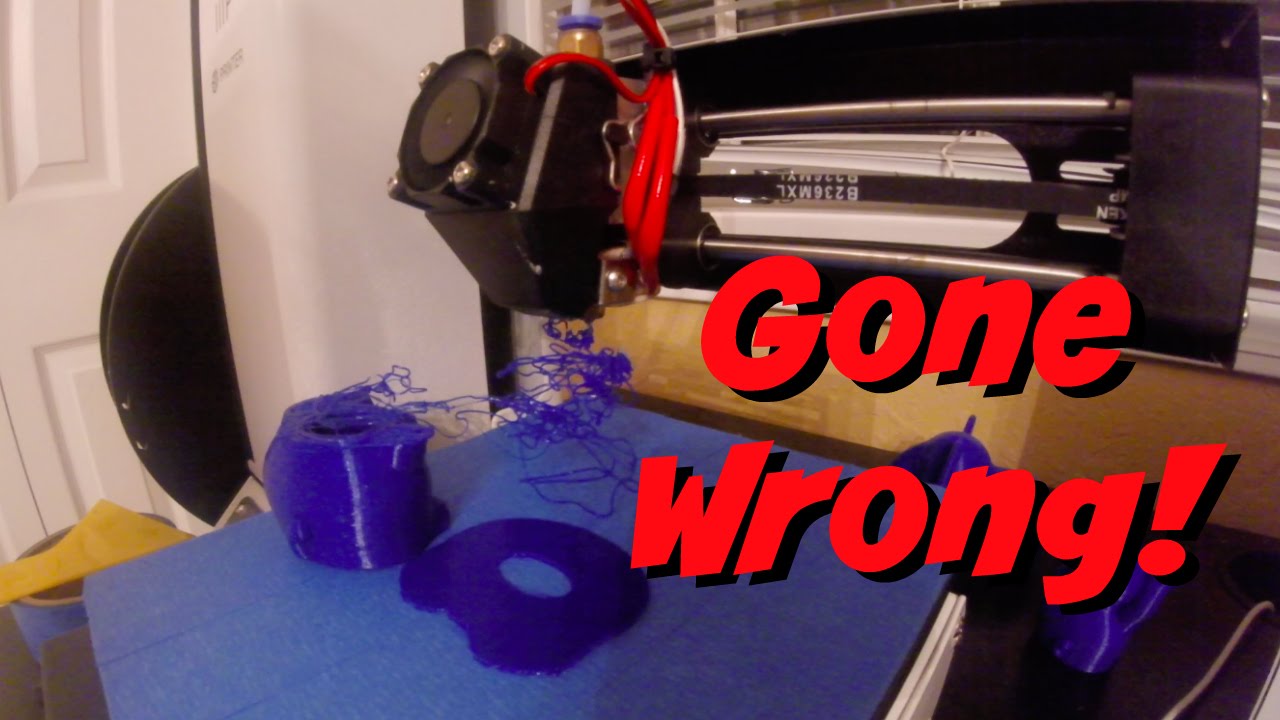
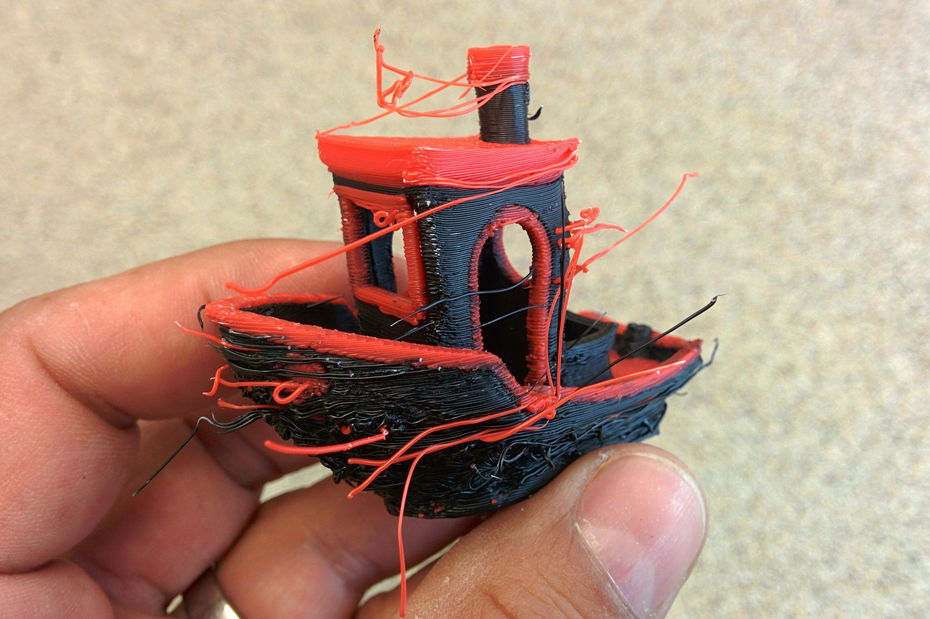
Know that patience is the key to 3D Printing because sometimes the prints will come really easy and perfect and sometimes you will face the problems of warping, stringing and lot more. You can read and know more about the troubleshooting issues on our Geeetech blog.

Failures at 3D printing do not mean that you are not good at it, even the experienced people end up with failed prints, and the causes range from damp filament to a not-sticky-enough build surface to a tiny flaw in the model to a printer that’s just being really, really crabby for no good reason.Some printers do give a smooth print and no post-processing is required but certain objects do require to work on after the build comes off the platform.

It can Print Perfect Pizza!!! 

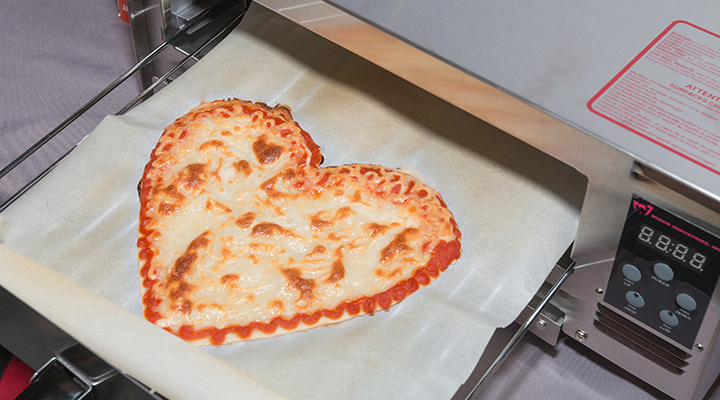
3D printing is over exaggerated as to anything and impossible things can be 3D printed. Surely you cannot 3D print a Pizza which is perfect as the one we get in Dominos, but there are companies like BeeHex, who are hardworking to print a perfect pizza.

While making the pizza they can’t 3D print the vegetables and meat, the soft base could be 3D printed and as heard it is pretty delicious too. They use these Food printers to make candy that shapes like your face, or potato chips etc. 3D Food printing can take over the industry in the future and its gonna become a serious business.

Bonus: It’s like Star Trek

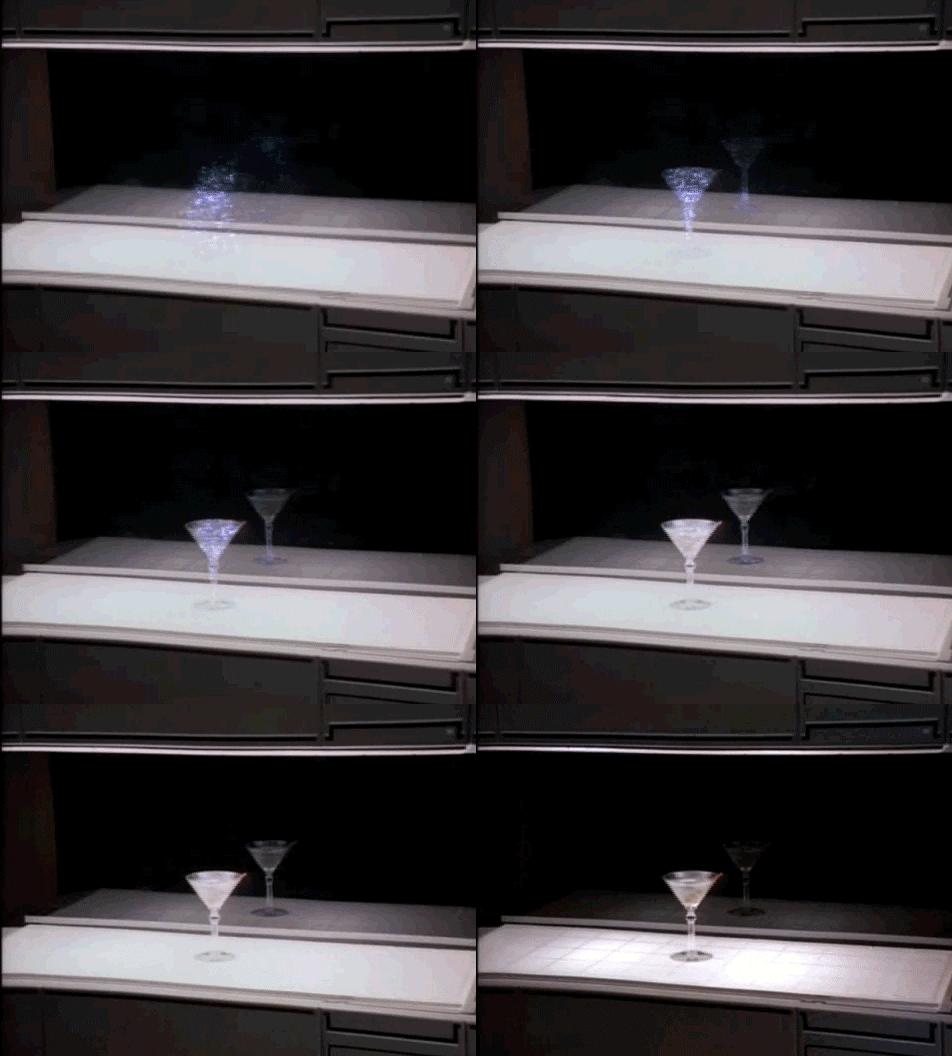
The “Replicators” from Star Trek are probably hard to develop and thus 3D printing is misconceived by many users. Though 3D printing is the future, there cannot be objects produced by pure energy and thin air as in Star Trek.

Image result for STAR TREK REPLICATOR GIF

3D printers are large they require large filaments and manufacturing materials to print out an object and so need space. We also won’t 3D print a working phone, laser pistol or TV remote, because printers can’t (at least yet) use conductive materials to manufacture cables and electronics.

3D printing will take over Manufacturing

That’s not true, you cannot possibly print everything with a 3D printer. This is the hyped misconception about 3D printing. We do come across people saying how additive manufacturing has helped them grow and saved their time also increased the business in manufacturing, but they are basically talking about prototyping.

Prototyping is a time-consuming step in manufacturing where the copy resembling how the final product is shown, which has to be first designed and finalized then sent to the production team to produce. The final product is the replica of the prototype designed having different measurements, but before that, if the product produced needs modifications the whole process starts again.

With a 3D printer, companies can design a part in CAD software, print it out in a matter of hours, and often test it the same day. Then if changes are required,  modify the digital model, print it out again, and continue until the part has been perfected, for no more cost than the price of the filament.

Now when you know about the misconceptions regarding 3D Printing you are ready to start with 3D Printing the small stuff and read the tips and tricks to perfectly print 3D objects with our Geeetech 3D printers.

Credits: 3dprint.com,all3dp.com,medium.com,youtube.com,businessinsider.com,gizmodo.com